
Choose the format
the idea needs.
Start with a single image, tell a story across a carousel, or put the product in motion with video. Every format starts from the same brief.
Make one idea unmistakable.
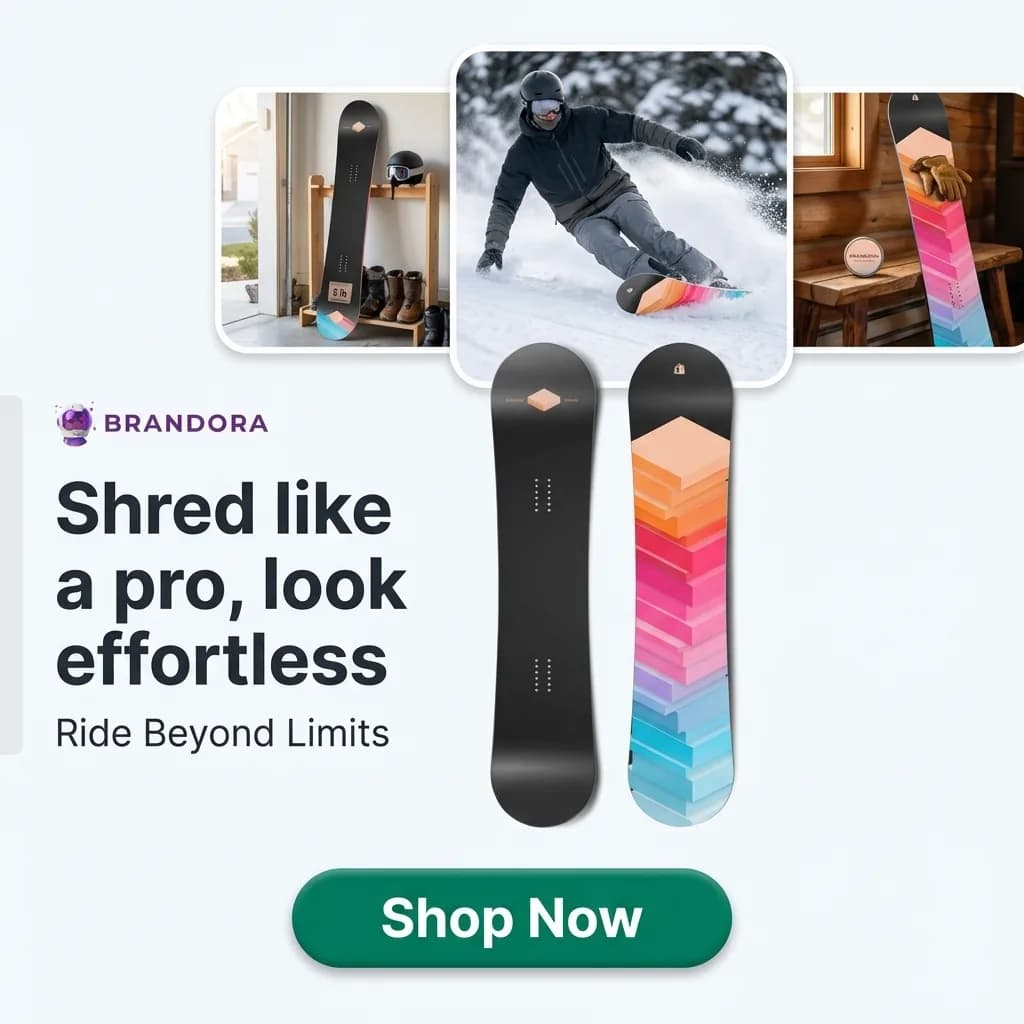 Shred like a pro.Beginner boards, sized for you.Shop now
Give the product a story.
Put the idea in motion.
 “Your first board should feel easy.”
Illustrative outputs. Video uses credits based on the settings you choose, and the app shows the cost before you generate.
The first version is a start.
Make the next one yours.
Refine with a simple instruction. Your brief, edits, and versions stay in one workspace.
- Edit the image precisely.Change the whole visual, or select one area. Check product shape, colors, logos, and text.
- Edit the copy on its own.Refine the headline, primary text, and call to action without regenerating the image.
- Compare versions.Every edit is a new version. Download the one you choose, in the sizes you need.
From brief
to a ready creative.
Brief Listro, explore directions, refine what you like, and approve the final version for your campaign.
- BriefBeginner boardsFeed ad · First-time ridersConfident voiceShop nowBrand colors and product photos added
Choose a product, an angle, and a goal. Listro adds your brand voice and product details.
- Explore
Generate options and compare the visual direction, hook, and copy.
- RefineMake the headline shorter.v3
Ask for a tighter headline or a clearer product focus, in plain English.
- ApproveApproved1:14:59:16
Check the details, then download the assets for your campaign.

Describe a change to the whole image.
Soften the light and give the scene a warmer feel.Soften the light and give the scene a warmer feel.