5 Product Image Ideas That Stop the Scroll
Make product images clearer and more compelling with strong composition, real-world context, visible details, mobile-friendly framing, and creative testing.
On this page
Better product images answer five buyer questions: What is it? What does it do? Will it work for me? Can I trust it? Is it worth the price? The five steps below turn those questions into a hero shot, a useful image sequence, a mobile-ready gallery, a consistent visual style, and a testing plan.
Images deserve that attention. Shoppers cannot touch the product online, so the photos do much of the work a store shelf would. You can improve the gallery with a phone, a studio shoot, or a mix of original and AI-assisted assets.
1. Master the Hero Shot
The hero shot appears first in the gallery and often becomes the image shoppers see in search, recommendations, and retargeting. Show the product clearly at thumbnail size and give the viewer one reason to open the listing.
What Makes a Hero Shot Work
A hero shot should make the product recognizable, make the benefit visible, and fit the placement where it appears. For hand cream, a clean pack shot shows the label; a hand applying the cream also shows texture and use. Test both if your listing or marketplace allows it.
Lifestyle hero shots are worth testing against isolated studio shots. The useful context helps a shopper picture the product in their own routine.
How to Shoot a Hero Shot That Converts
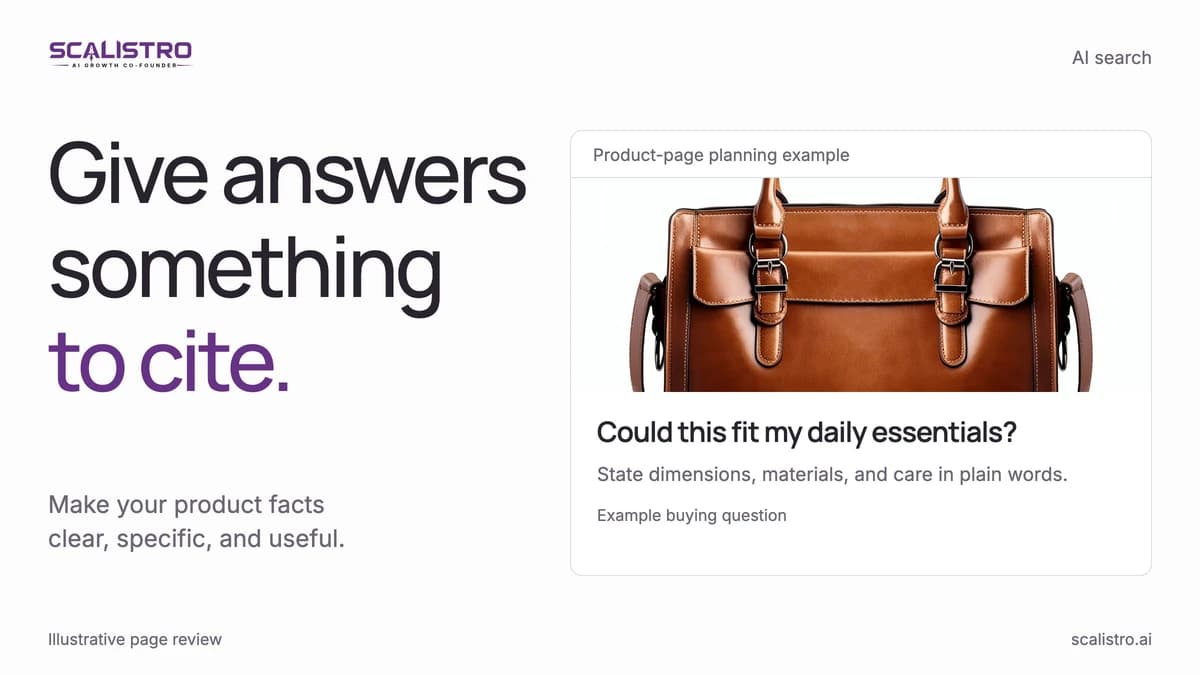
- Fill the frame. Aim for the product to occupy 70 to 80 percent of the image. Mobile made up 75.67 percent of ecommerce visitors over the past year in Dynamic Yield's benchmarks (Dynamic Yield), and on a phone a small product disappears inside a large background.
- Start with one light source. Use window light or one studio light at roughly 45 degrees, then add a reflector if shadows hide important details.
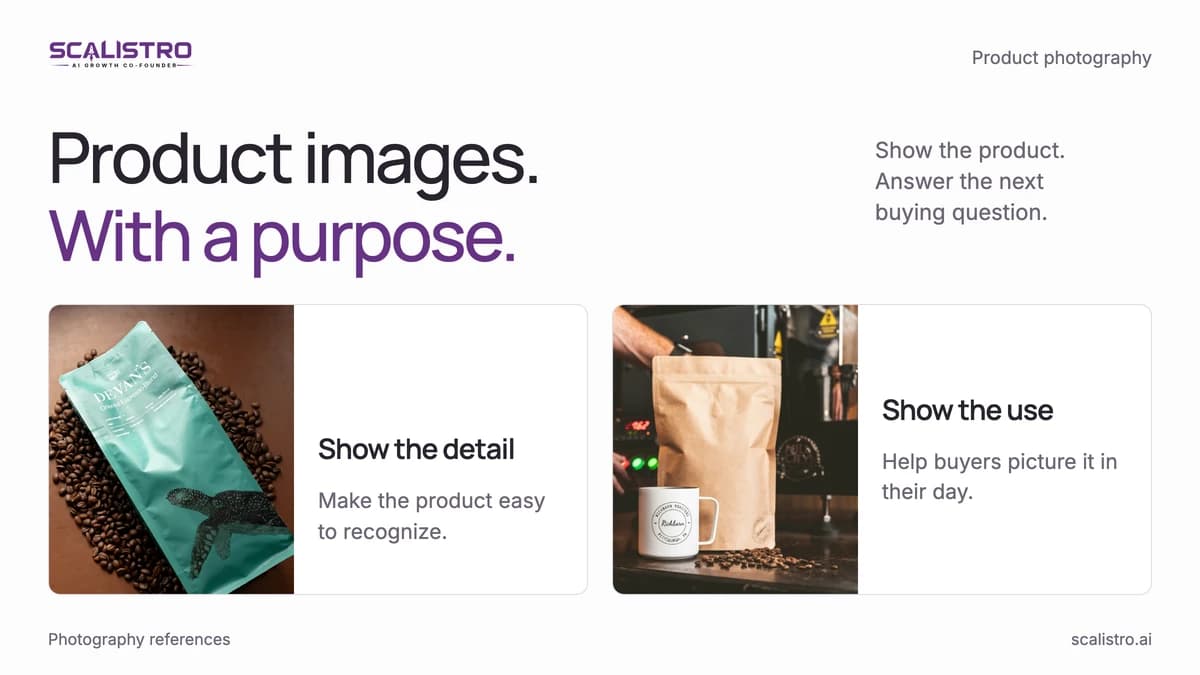
- Choose the useful angle. Show the label for skincare, the fit for jewelry, or the serving for food. The first image should answer the first question a buyer is likely to ask.
- Add depth carefully. A hand, leaf, or fabric edge can frame the product, but keep props from covering the pack or competing with it.
The AI Advantage for Hero Shots
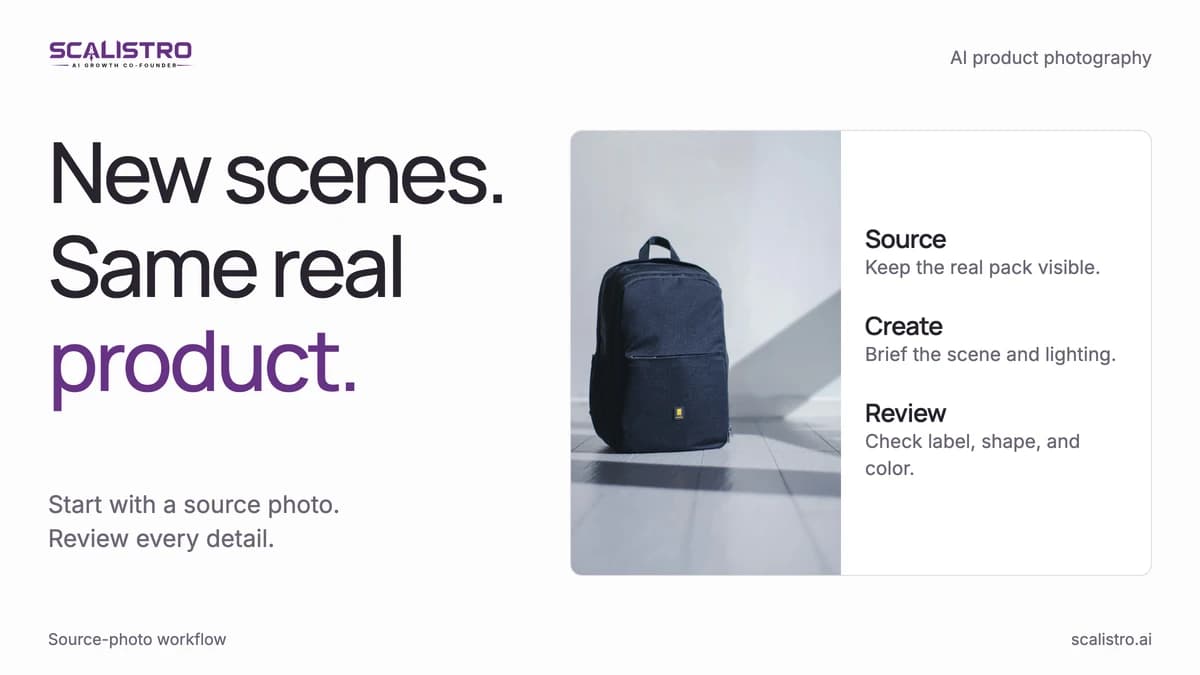
AI product photography can produce realistic settings from a clean product image. Try a bathroom shelf, kitchen scene, or neutral studio background, then check the packaging, proportions, shadows, and claims against the real product before publishing. Listro can help prepare these scene variants from your product photos.
That speed makes it practical to compare concepts: lifestyle versus studio, warm versus cool light, or a single product versus a set. Use the winning image for the placement where it was tested, since a marketplace thumbnail and a paid ad may reward different compositions.
2. Build a Visual Story Across Multiple Images
A gallery works best as a sequence of answers. Put recognition first, then show the benefit, scale, proof, use, and the details a buyer needs before checkout. Remove duplicate angles that add no new information.
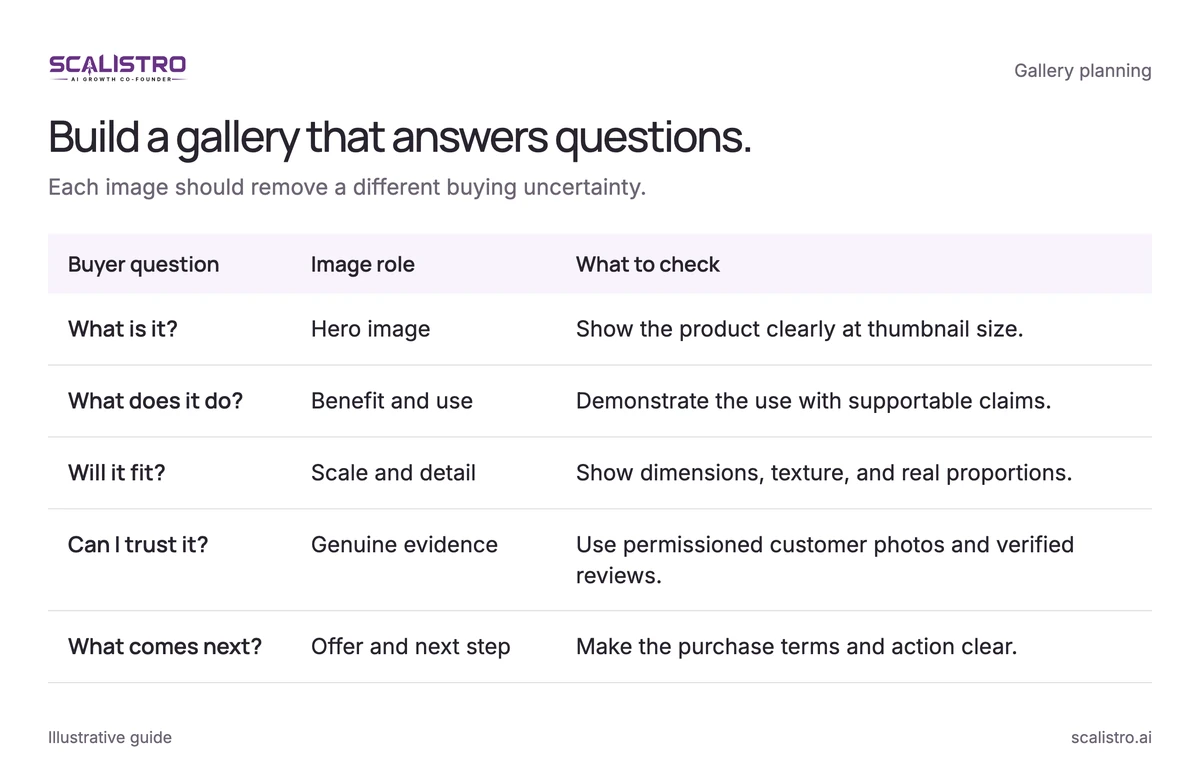
Swipe to explore. Tap to open full size.
Image details: Build a gallery that answers questions.
| Buyer question | Image role | What to check |
|---|---|---|
| What is it? | Hero image | Show the product clearly at thumbnail size. |
| What does it do? | Benefit and use | Demonstrate the use with supportable claims. |
| Will it fit? | Scale and detail | Show dimensions, texture, and real proportions. |
| Can I trust it? | Genuine evidence | Use permissioned customer photos and verified reviews. |
| What comes next? | Offer and next step | Make the purchase terms and action clear. |
The Optimal Image Sequence
Build the sequence around the order in which a new shopper makes a decision:
- Hero shot: The product in its best light, in context. This is your scroll-stopper.
- Benefits image: A visual that communicates the primary benefit or key differentiator. Text overlays work well here - "72-hour hydration" or "Holds 15 lbs without a single nail."
- Scale and detail: Show the product being held, worn, or used so customers understand its actual size. Include close-ups of texture, material quality, or craftsmanship details that justify your price point.
- Social proof image: A customer photo, a star rating graphic, or a "featured in" collage. This builds trust at the exact moment the customer is evaluating whether to buy.
- Lifestyle or use case: The product in a real-life setting that matches how the customer will actually use it. This helps the customer visualize ownership.
- Comparison or ingredients: What makes your product different from alternatives? Ingredient lists, material specifications, or a "vs. the competition" visual.
- CTA image: A final image that reinforces the offer - free shipping, money-back guarantee, bundle deals, or subscription savings.
Why Sequence Matters
Order matters because the shopper may leave before seeing the last image. Place the most important objection and strongest proof near the start, then test the sequence on the page where purchases happen. An image-order test is cheap because it changes nothing about the product, price, or copy.
3. Optimize for Mobile Without Compromise
Most ecommerce browsing happens on mobile (Dynamic Yield). Review every gallery image at the size a buyer will actually see, not only at full resolution on a desktop monitor.
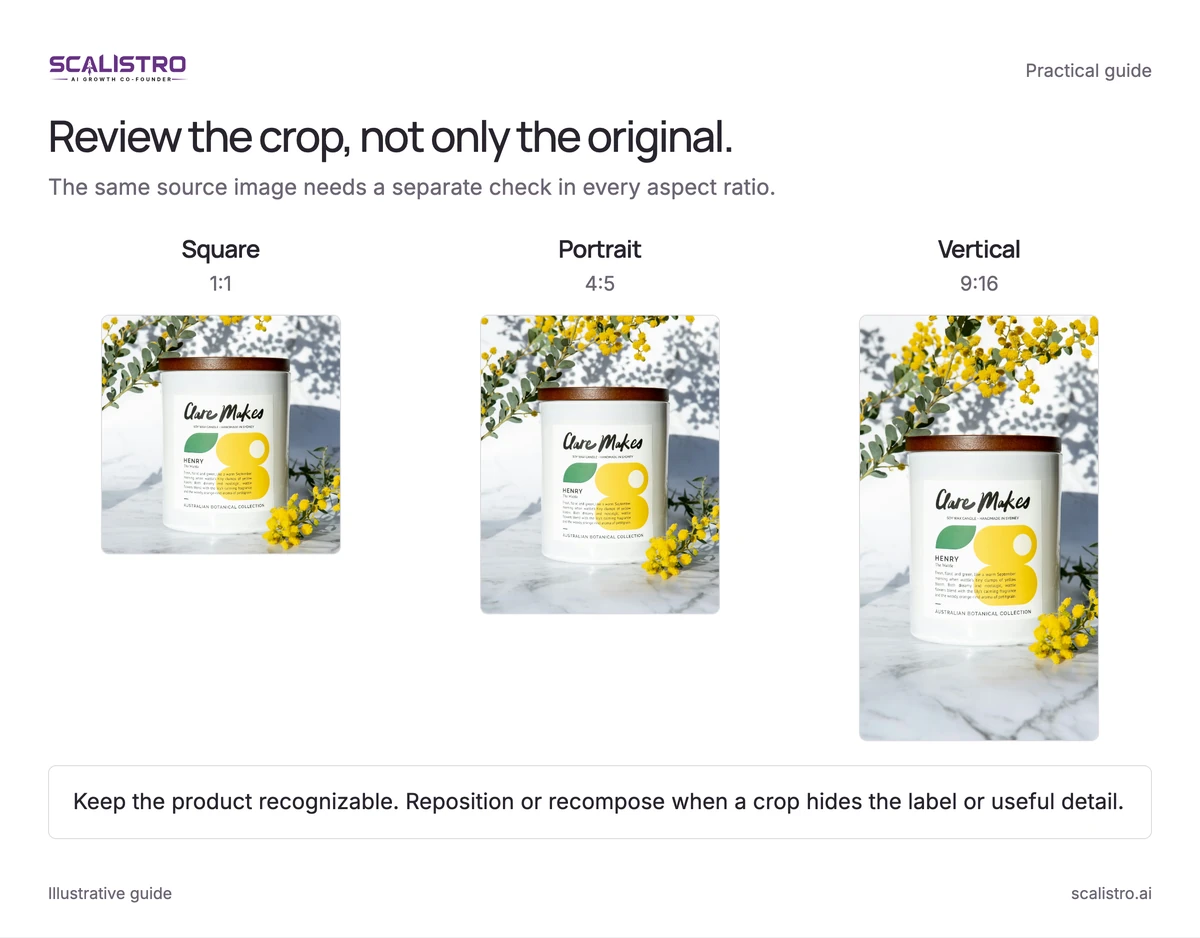
Swipe to explore. Tap to open full size.
Image details: Review the crop, not only the original.
Review the crop, not only the original. The same source image needs a separate check in every aspect ratio. Square: 1:1; Portrait: 4:5; Vertical: 9:16 Keep the product recognizable. Reposition or recompose when a crop hides the label or useful detail.
Photo: Clare Neilson / Unsplash.
Mobile-First Photography Rules
- Make the product large. Aim for at least 80 percent of the frame in thumbnail-focused images so the shape and label remain recognizable.
- Keep text readable. Start overlays at 40 points or larger and test them on a phone before publishing.
- Create contrast. Separate the pack from the background with light, color, or a clean edge.
- Limit each frame to one message. Props and multiple callouts compete for attention on a small screen.
- Design a square version first. A 1:1 crop works well across many product listings and feeds; make placement-specific crops where required.
Speed and File Size
Image quality matters only if the page loads quickly enough for shoppers to see it. In a 2019 Deloitte study for Google, a 0.1 second improvement in mobile site speed raised retail conversion rates by 8.4 percent (web.dev). Use responsive sizes and modern formats such as WebP, which Google reports are 25 to 34 percent smaller than comparable JPEG images (Google, WebP). Do not send a 4000 x 4000 image when the page displays it at 800 x 800.
4. Use Consistency to Build Brand Recognition
Choose visual rules customers can recognize across ads, the product page, and the rest of the catalog. Consistency makes the click from an ad to a store feel like one experience.
What Visual Consistency Looks Like
Write down the repeatable choices that define that look:
- Lighting: Specify whether images are warm and natural, crisp and bright, or dark and dramatic.
- Backgrounds: Choose a family of colors, materials, or settings without forcing every image to look identical.
- Color treatment: Keep white balance and grading consistent so the product color remains truthful.
- Composition: Document camera angle, framing, and how much space stays around the product.
How Consistency Drives Revenue
In a 2016 Demand Metric survey with Lucidpress, respondents attributed an average 23 percent revenue increase to always presenting their brand consistently (Demand Metric, 2016). Recognition helps a buyer connect the ad they clicked with the store they reached. Check that the product, offer, and visual style carry through from the ad to its landing page.
Maintaining Consistency at Scale
Save example images and a short production brief with lighting, color, background, and composition rules. Give that brief to photographers, designers, and anyone generating AI-assisted variations. Review the output against the same examples, especially when a new product or team member joins.
5. A/B Test Everything - Systematically
Treat image choice as a testable decision. Start with a page that gets meaningful traffic, write down the change you expect to help, and measure the result against orders or add-to-cart behavior.
What to Test
Test one of these changes at a time so you can explain the result:
- Hero shot concept: Lifestyle vs. studio, product alone vs. product in use, model vs. no model. This is the biggest lever because the hero shot determines whether a customer clicks into your listing.
- Image sequence order: Does leading with social proof outperform leading with benefits? Does showing the product in use before showing product details improve add-to-cart rates?
- Background and context: Natural vs. studio, warm vs. cool tones, simple vs. detailed backgrounds. Context affects the perceived value and positioning of your product.
How to Run Product Image Tests
On your store, split traffic with an experiment tool that works with your ecommerce platform. Size the test from your baseline conversion rate and the smallest improvement that would matter. Run it through at least one full business cycle; 7 to 14 days or 1,000 views per version alone cannot guarantee a reliable result.
On Amazon, use Manage Your Experiments where available. In paid social, compare hero images with the same audience and offer, then judge both click-through and downstream purchases.
Build a Testing Calendar
Make testing a monthly habit for your highest-traffic products:
- Week 1: Test hero shot concepts for your top 3 products
- Week 2: Analyze results and implement winners
- Week 3: Test image sequence order for your top 3 products
- Week 4: Analyze results and implement winners
Repeat the cycle with the next products. Keep a record of the image, placement, hypothesis, and result so later tests build on what you learned.
The Compounding Effect of Testing
A 10 percent lift in hero-image click-through followed by a 10 percent lift in listing conversion produces a 21 percent lift in sales from the same traffic. That calculation works only when both improvements hold in the funnel, so measure them separately before projecting the combined result.
Putting It All Together
Start with the hero image on your highest-traffic product page. Improve its clarity on mobile, arrange the rest of the gallery around buyer questions, and test one change at a time. Then carry the winning visual rules into the rest of the catalog.
For a faster production workflow, read the AI product photography guide before making new image variants.