Shopify SEO Audit Checklist for D2C Brands
A practical Shopify SEO audit: check crawling and indexing, product and collection pages, structured data, and speed, then fix what blocks buyers first.
On this page
A Shopify SEO audit checks whether search engines can reach your important pages, understand them, and show them to people who are ready to buy. Shopify takes care of several technical foundations, so most problems on a D2C store come from three places: pages that are hard to crawl or accidentally excluded, product pages that do not answer buying questions, and theme or app changes that nobody checked after launch.
Work through the checklist in order. Each section starts with the issues that block discovery, because a well-written page that search engines cannot index does nothing for your store.
1. Crawling and Indexing
Confirm your important pages are indexed
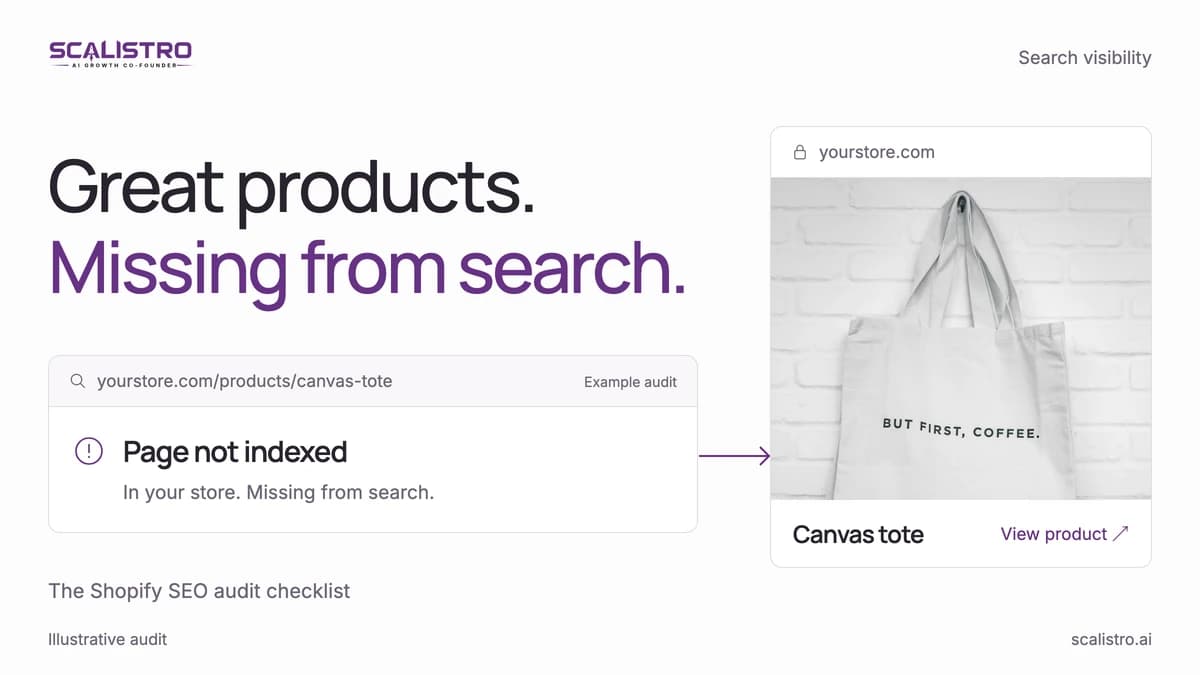
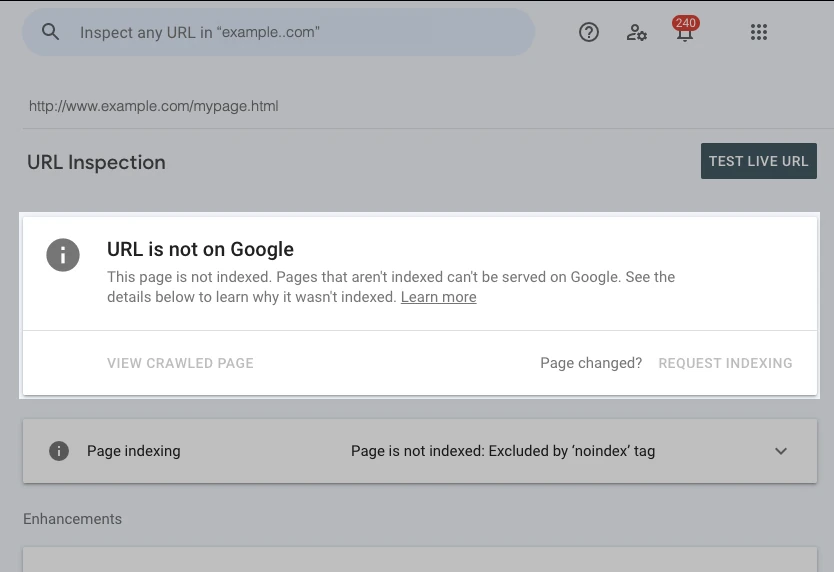
Connect your store to Google Search Console and open the Page indexing report. Check that your main collections, best-selling products, and buying guides are listed as indexed. If a key page is missing, use the URL Inspection tool to see why. The Search Console guide for ecommerce explains the most common statuses and what to do about each one.
Swipe to explore. Tap to open full size.
Source: Google Search Console Help, URL Inspection. This is Google's example report. Inspect your own product URL to see its current status.
Check the sitemap
Shopify generates a sitemap at /sitemap.xml that links to separate sitemaps for products, collections, pages, and blog posts. Submit it in Search Console once, then check that the number of discovered URLs roughly matches your live catalog. A large gap usually means hidden products, unpublished collections, or an app creating extra pages.
Review robots.txt and noindex settings
Shopify's default robots.txt already keeps crawlers out of areas such as the cart and checkout. If your theme uses a customized robots.txt.liquid, confirm it does not block collections or products by mistake. Also check that no important template carries a noindex tag added by an app or a theme setting.
Look for duplicate paths
A Shopify product can be reached at /products/handle and through collection paths such as /collections/name/products/handle. Shopify points the canonical tag at the /products/ URL, which is what you want. Check that your theme's internal links also use the /products/ URL, so search engines see one clear address for each product.
2. Product Pages
Product pages carry most of the buying intent on a D2C store, so give them the most attention.
- Title tag and description. Edit them in the product's search engine listing section. Lead with what the product is and who it is for, not a slogan. Keep titles near 60 characters so they are not cut off in results.
- Original product copy. Replace manufacturer text and repeated template paragraphs with a description written for your buyer: what it does, what it is made of, how it fits or sizes, and how to care for it.
- Answers to buying questions. Add the answers customers ask your support team: sizing, compatibility, delivery times, and returns. These are the details that help both shoppers and AI answers. The guide to how product pages get cited in AI answers covers this in more depth.
- Image alt text. Describe what the image shows, such as the colour, angle, or the product in use. Skip alt text on purely decorative images.
- Variants. Make sure each variant shows its own price, availability, and image, and that out-of-stock variants are labelled rather than silently removed.
3. Collection Pages
Collections often rank for broad category searches, so they need more than a grid of products.
- Add a short introduction that explains the range and helps a shopper choose between products.
- Make sure products are linked with standard links that a crawler can follow, not only loaded by a script after a filter is applied.
- Check what happens to filtered and sorted URLs. Too many indexable filter combinations can waste crawling on near-duplicate pages. Agree on a rule with your developer: either let them be crawled and canonicalized, or keep them out of the index.
4. Structured Data
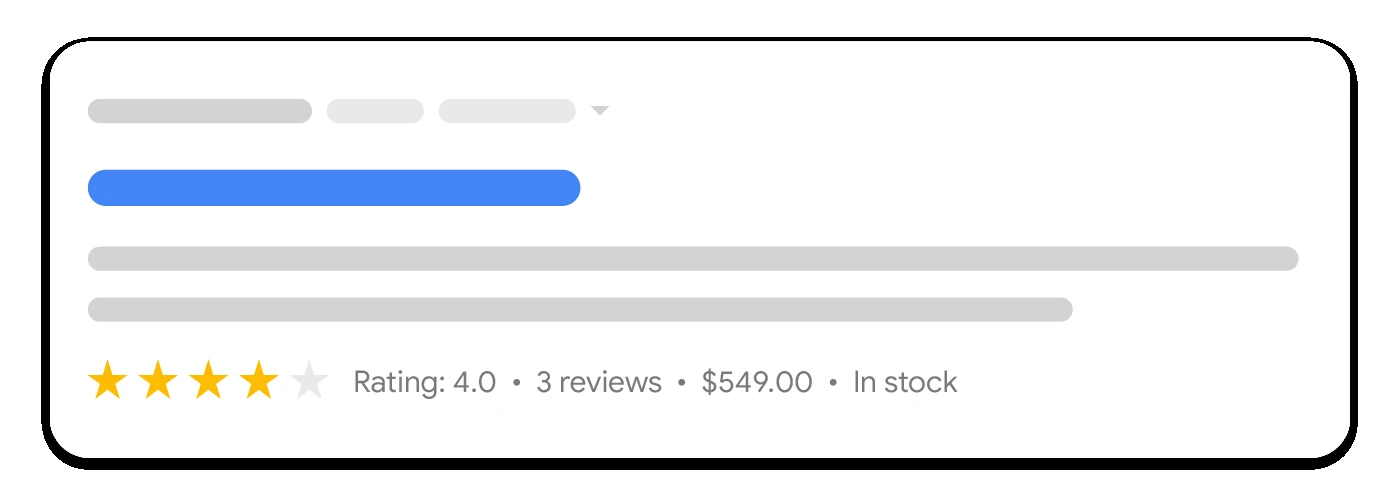
Most current Shopify themes output Product structured data with the name, price, availability, and images. Test a few product URLs with Google's Rich Results Test and check two things:
- The structured data matches what the page shows. Price, availability, and ratings in the markup must agree with the visible page.
- Apps are not adding a second, conflicting Product block. Review apps and theme snippets sometimes duplicate markup.
Structured data helps search engines read facts that are already on the page. It does not replace missing product information.
Swipe to explore. Tap to open full size.
Source: Google Search Central, product snippets. This is an illustrative search result, not a promise that every marked-up product will receive this appearance.
5. Speed and Mobile Experience
Open the Core Web Vitals report in Search Console and check your product and collection templates on mobile. Common causes of slow Shopify pages are oversized hero images, several apps loading scripts on every page, and large video files. Remove apps you no longer use, compress images before upload, and test changes on a real phone.
6. Redirects and Broken Links
When products are discontinued or handles change, add URL redirects in Shopify so old links and past rankings point to the closest useful page. Check Search Console for pages returning "Not found (404)" that still receive links or clicks, and redirect those first.
7. Content That Supports Buying Decisions
Search visibility is not only product pages. Buying guides, comparisons, and how-to articles answer the questions shoppers ask before they choose. Check that each guide links to the products it discusses, and that guides and product pages state the same facts. When a guide says a product is waterproof and the product page says water-resistant, both search engines and shoppers lose confidence.
How to Prioritize What You Find
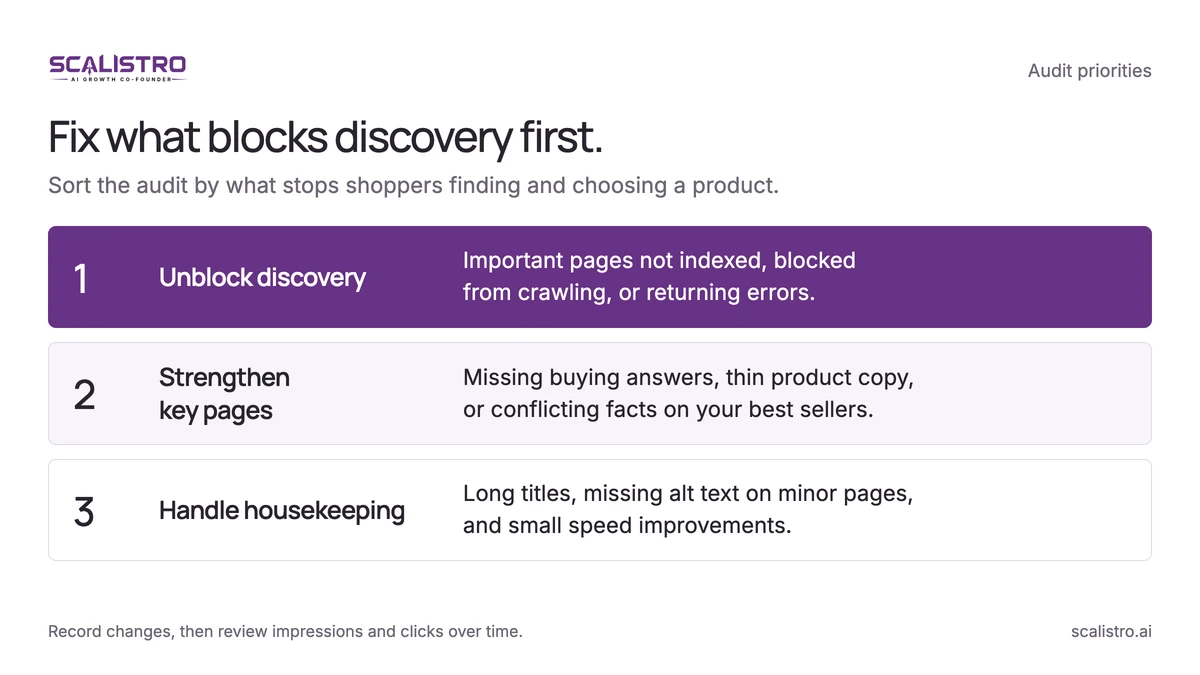
An audit usually produces more issues than a small team can fix at once. Sort them into three groups:
Swipe to explore. Tap to open full size.
- Blocks discovery. Important pages not indexed, blocked by robots.txt, or returning errors. Fix these first.
- Weakens key pages. Thin copy, missing answers, or conflicting facts on your best-selling products and main collections.
- Housekeeping. Long titles, missing alt text on minor pages, and small speed gains.
Record each change and the date it went live, then review search impressions and clicks for those pages over the following weeks. Search engines need time to reassess a page, so judge results over a meaningful period rather than day to day.
Scalistro's search visibility audit runs these checks across your product pages, collections, and guides, and turns the findings into recommendations your team can act on, or that our experts can help implement. The audit does not change your store automatically, so you stay in control of every update.