AI Marketing for D2C Brands: What to Use It For
Learn where AI helps a D2C brand make ads, plan content, and understand results, with examples of decisions a person should still make.
On this page
AI marketing for D2C brands works best when it saves the team time on work they already need to do. It can make new product images, draft ads, and help spot changes in results. A person still checks that the product looks right and chooses what to publish.
Start with one slow task, such as making fresh ads each week. This guide shows where AI helps and how to tell whether it is actually saving time or bringing in more buyers.
Why D2C Teams Are Trying AI
If ads lose steam before the next photo shoot, the team needs a faster way to try new ideas. These pressures explain the interest in AI:
- Customer acquisition costs have risen by as much as 60 percent over five years, by one industry estimate, and merchants lost an average of $29 on each new customer in 2022, up from $9 in 2013 (SimplicityDX, 2022)
- Ad creative fatigue sets in faster than ever - top-performing creatives can wear out within weeks as audiences see them repeatedly
- Content volume expectations have exploded - brands need 30 to 50 unique pieces of content per month just to maintain competitiveness on social
- Consumer attention spans continue to shrink - you have less than 2 seconds to hook someone scrolling through their feed
AI lets a small team make options between shoots. That helps only when the options are good enough to test.
Use AI to Make Product Images and Ads
Start with a real product image and a short brief. Use the same approved product facts across ads, social posts, and email.
AI-Generated Product Photography
A photo shoot can produce 20 to 30 usable images in a day. A full catalog shoot is a large cost for a small brand. AI can help place a clean product photo in several settings, such as a kitchen or bathroom, without arranging a new shoot for each scene.
That can turn a quarterly image refresh into a weekly one. Check each generated result against the real product, especially labels, shape, color, and claims, before using it in an ad or product listing.
AI-Powered Ad Creative Generation
Making 20 to 30 ad versions a week is hard for a two-person team. Listro can help make new layouts, backgrounds, text, and image sizes from approved assets.
A person still defines the audience, claim, and angle. Review the generated set for distinct ideas before spending: 20 variants of the same weak message do not create a useful test.
AI-Assisted Copywriting
Ad headlines, social captions, email subjects, product descriptions, and SMS each need a different length and tone. Give AI approved product details and voice examples, then edit its drafts for the channel and the actual offer.
Teams using AI can draft three to five times more text options. Keep the ones that bring in buyers, not the ones that merely sound clever.
Use AI to Find the Next Ad to Test
Meta and Google already decide much of where an ad appears. AI can help your team look across results, make the next set of ads, and decide which idea to try.
Make Several Ads From One Clear Idea
AI can draft 50 versions in a day instead of five. Start smaller: pick three or four ideas and make a few versions of each. Run them long enough to see which brings in purchases at a cost you can afford.
Repeat the process and compare cost per new customer with your baseline over a few months. Save the losing ideas too so the next brief does not repeat them.
Decide Where to Spend More
Compare what Meta, Google, and other channels cost to bring in a buyer. AI can help prepare the comparison. Your team decides where to spend more.
For brands spending $20,000 to $100,000 a month, small allocation changes can mean thousands of dollars. Check margin, attribution, and conversion lag before applying any recommendation to a live budget.
Spot Problems Earlier
Past results can show when demand usually rises or an ad starts to tire. Use those clues to plan the next test. They cannot tell you whether a new ad will win before people see it.
That is useful when a concept test costs $2,000. A warning about repeated fatigue patterns or overlap can prompt a better brief before the budget is committed.
Use AI to Bring Customers Back
After a first order, a useful reminder or product tip can help someone return. AI can help choose what to say and when, using customer data the brand has permission to use.
Send More Useful Email and Texts
Purchase history, browsing, and email engagement can inform product recommendations, send times, and offer choices. A repeat buyer might get a replenishment reminder, while a sale-focused customer might get early access. Keep the message relevant to what the customer actually did.
Personalization most often drives a 10 to 15 percent revenue lift, with company results ranging from 5 to 25 percent (McKinsey, 2021).
Notice When Customers Stop Buying
Declining engagement, longer gaps between orders, fewer visits, or support issues can signal that a customer may not return. Use those signals to time a relevant follow-up, such as a day-45 check-in, instead of waiting for a generic 90-day win-back email. Avoid offering a discount when helpful product guidance would solve the problem.
Suggest the Right Next Product
Recommendation systems can use catalog, purchase, and browsing data across site, email, and paid touchpoints. The useful recommendation is not only likely to get a click; it also fits the customer's previous purchase, current inventory, and your margin.
Start With One AI Task
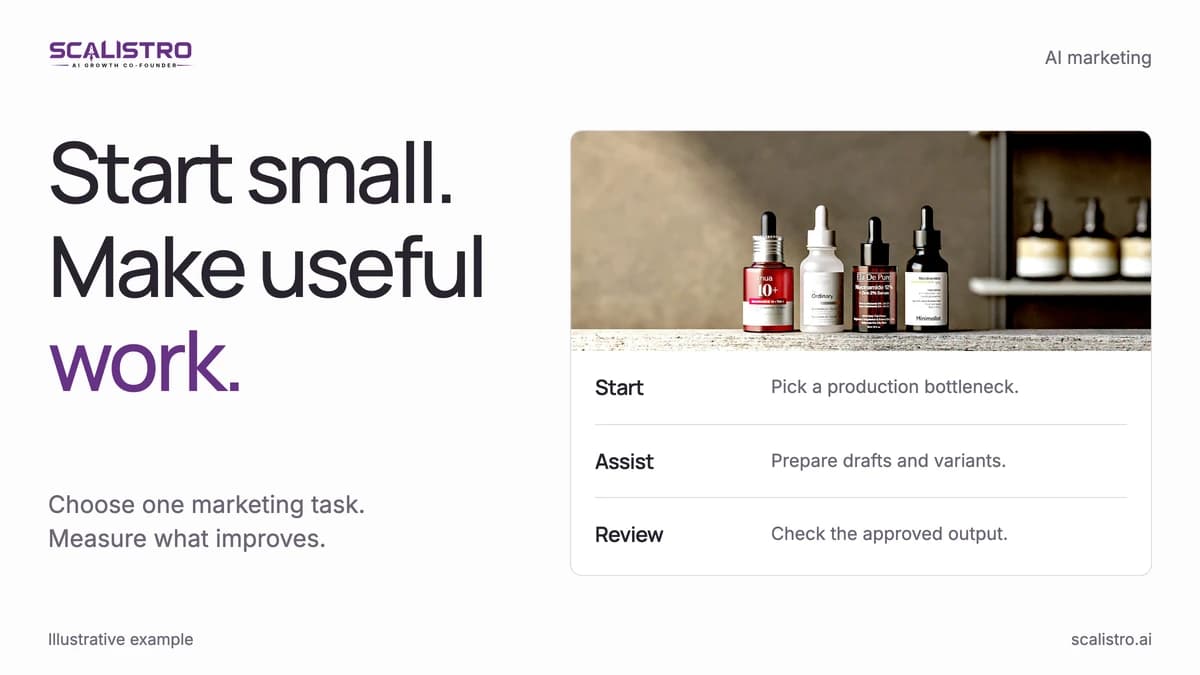
Choose one task and write down how long it takes today. Let AI help, keep a person reviewing the output, and compare the result after a month. Add another task only if the first one helped.
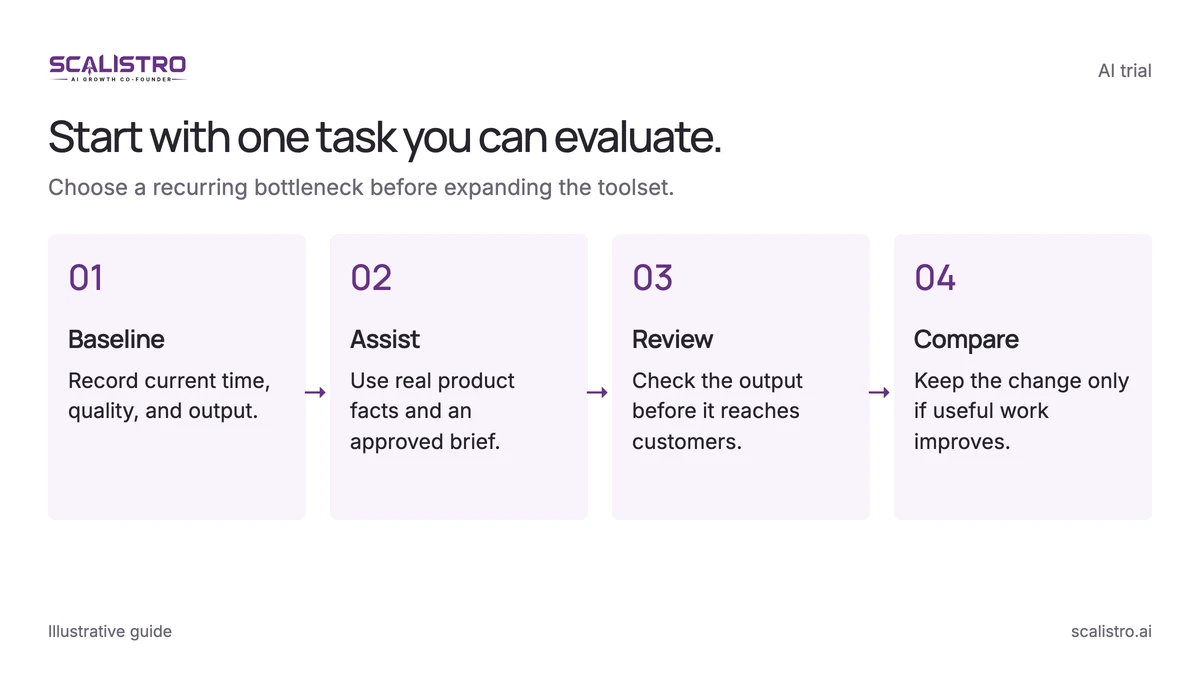
Swipe to explore. Tap to open full size.
Image details: Start with one task you can evaluate.
Start with one task you can evaluate. Choose a recurring bottleneck before expanding the toolset. Baseline - Record current time, quality, and output.; Assist - Use real product facts and an approved brief.; Review - Check the output before it reaches customers.; Compare - Keep the change only if useful work improves.
Start with Creative Production
If creative fatigue is the bottleneck, start with a weekly brief and a small set of fresh concepts. Measure time to produce, approval rate, and test outcomes before increasing volume.
Then Add Campaign Intelligence
Next, compare creative and campaign results across the connected accounts. Look for concepts worth repeating, wasteful placements, and audiences where spend has stopped producing proportional returns.
Then Layer in Personalization
Add personalization after acquisition and data collection are stable. Bain research found that raising customer retention by 5 percent can increase profits by 25 to 95 percent (Harvard Business Review, 2014), so measure repeat purchases as carefully as first-order CPA.
The Human Plus AI Advantage
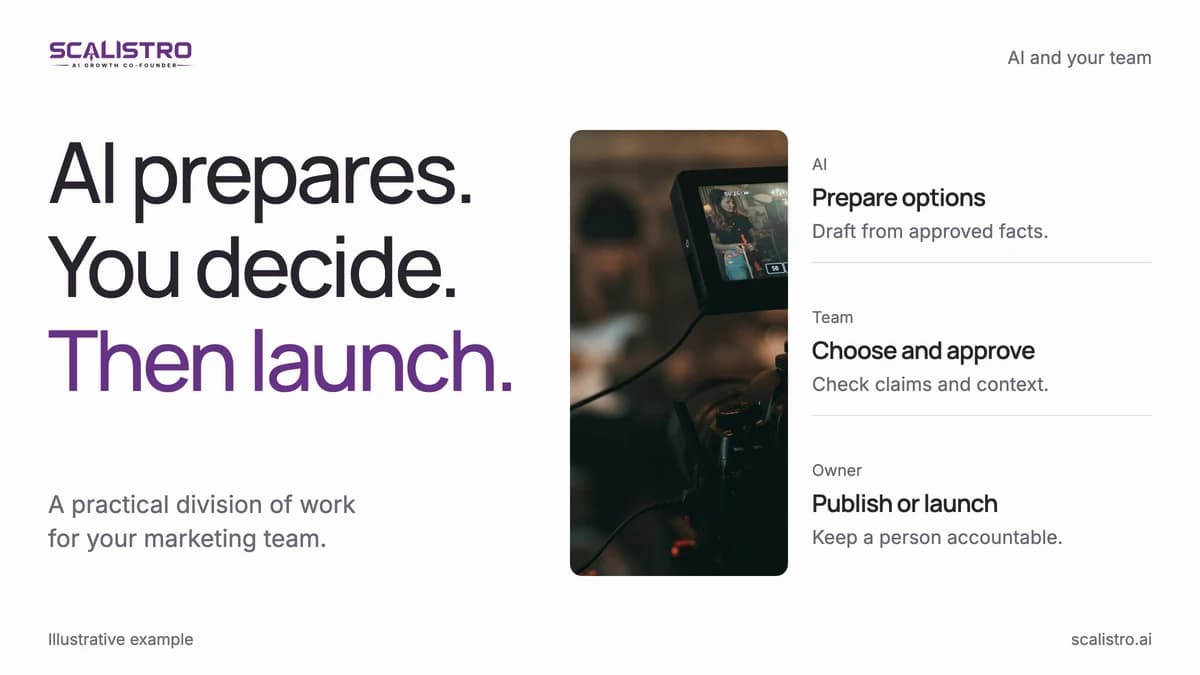
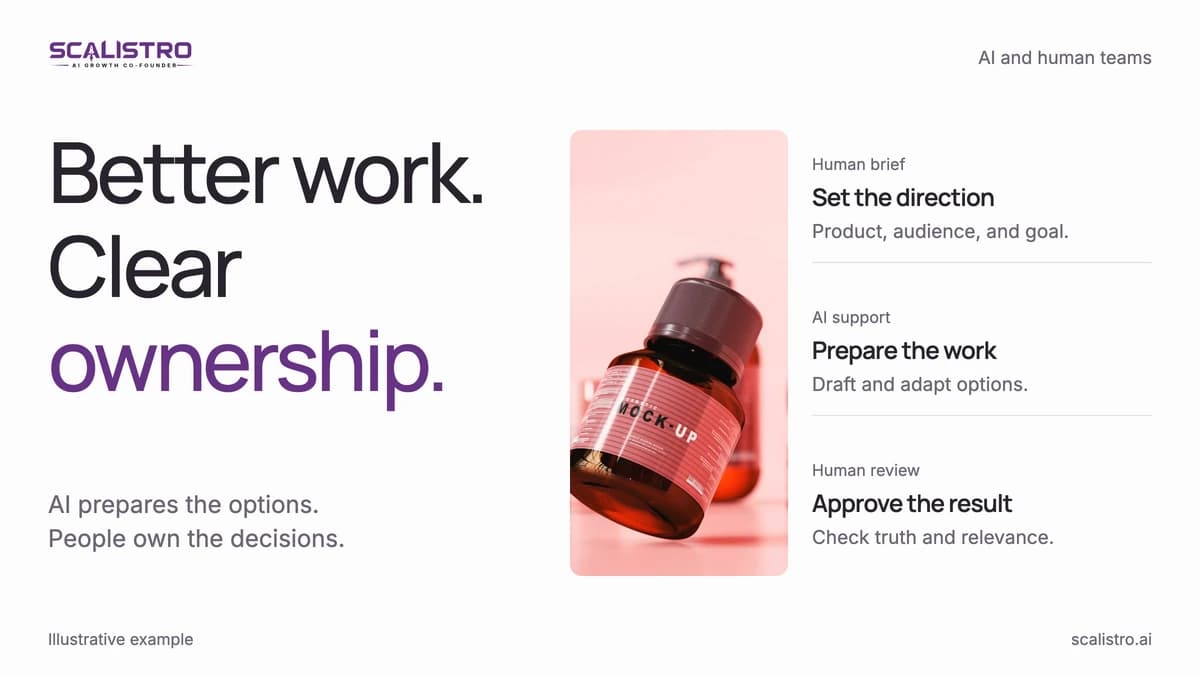
People set the direction, choose the creative, and approve consequential changes. AI helps prepare options and summarize data. Scalistro supports creative production and connected campaign analysis, with expert support on eligible plans. Keep publication and ad-platform changes under human control.
Practical Steps to Get Started Today
Start with one measurable workflow:
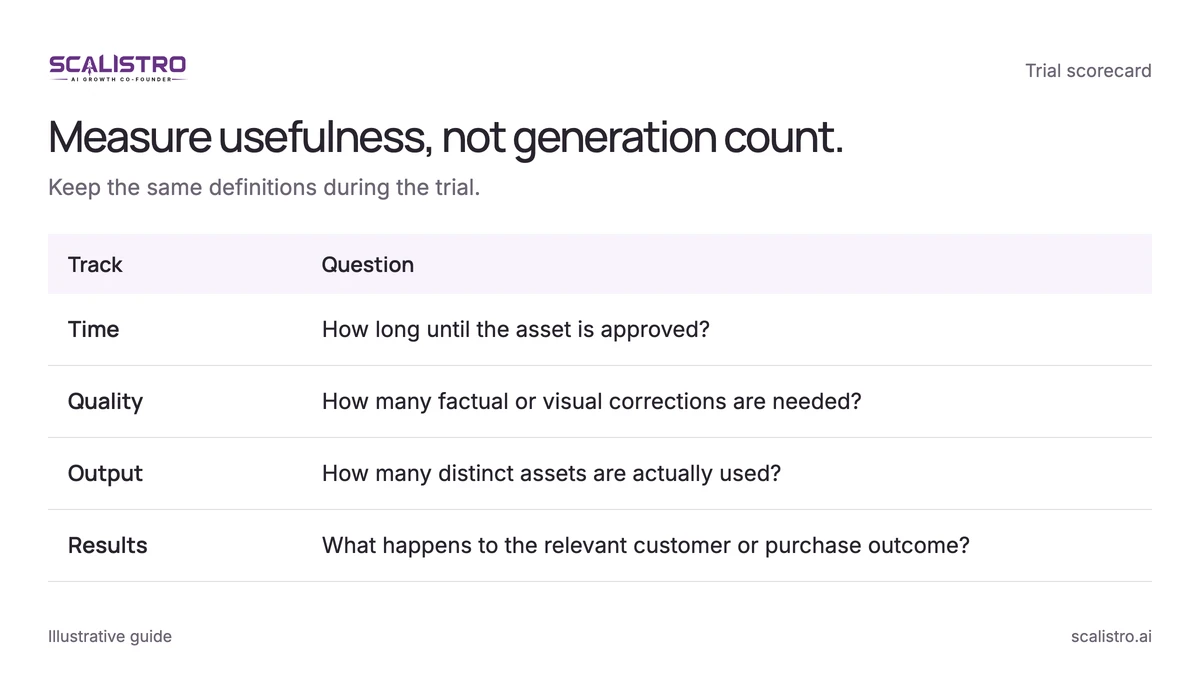
Swipe to explore. Tap to open full size.
Image details: Measure usefulness, not generation count.
| Track | Question |
|---|---|
| Time | How long until the asset is approved? |
| Quality | How many factual or visual corrections are needed? |
| Output | How many distinct assets are actually used? |
| Results | What happens to the relevant customer or purchase outcome? |
- Find the bottleneck. Identify the repetitive work that costs the most time or limits your testing cadence.
- Choose one workflow. Give one tool a clear input, owner, and approval step before adding another.
- Record a 30-day baseline. Track output, variation count, CPA, and email revenue before changing the process.
- Run a 90-day pilot. Compare results after the team has repeated the workflow enough to learn from it.
- Keep an approver. Check every published claim, brand decision, and change to ad spend.
See which D2C marketing decisions still need human review before expanding automation.