AI Ad Creatives for D2C Brands: Create and Test Better Ads
See how D2C brands use AI to make ad ideas and image variations, test what works, and keep people in charge of the final ad.
On this page
AI ad creatives help D2C brands make and test more ad ideas without waiting weeks for each new image. Ads lose steam as the same people see them again and again. A team making 30 to 50 versions a month by hand may need a full-time designer, and the US median graphic designer earned $62,960 a year in May 2025 (US Bureau of Labor Statistics), or an agency retainer.
AI can make the first drafts faster. Your team still picks the idea, checks that the product looks right, and decides which ads to run. Here is a simple way to do that.
How AI Changes the Ad-Making Process
The main gain is a shorter path from idea to live test. More files are useful only when they show different ideas.
Making Ads by Hand
- Write the brief and choose the buyer and message: 2 to 3 days.
- Design 3 to 5 ideas and review them: 5 to 10 days.
- Write the ad text: 2 to 3 days.
- Make the right image sizes for feed, Stories, and other placements: 2 to 3 days.
- Upload and launch: about 1 day.
In this example, the full process takes 12 to 20 working days and produces 3 to 5 ideas with 10 to 15 sized versions.
Making Ads With AI Help
- Look at recent ads and choose one question to test.
- Use your product images and brand rules to draft 15 to 25 versions in 1 to 2 hours.
- Spend 2 to 4 hours checking the product, text, and image quality. Keep the best versions.
- Upload the approved ads, often in about 30 minutes.
In this example, a team can get from idea to test in 1 to 2 days.
That is 3 to 5 times more versions in about one-tenth the time. The gain matters only if some versions test a new message, not just a new background color.
Why More Ad Ideas Can Help
Fresh ads can reach people who have stopped noticing the old ones. You still need enough budget for each test, and the versions must be meaningfully different.
Five Steps to Make and Test AI Ads
Give one person ownership of the brief, have someone approve the final ads, and write down what happened after the test.
Step 1: Look at What Worked
Start with your past ads. Which product story, image, or opening line brought in buyers? Use that to choose the next idea.
Swipe to explore. Tap to open full size.
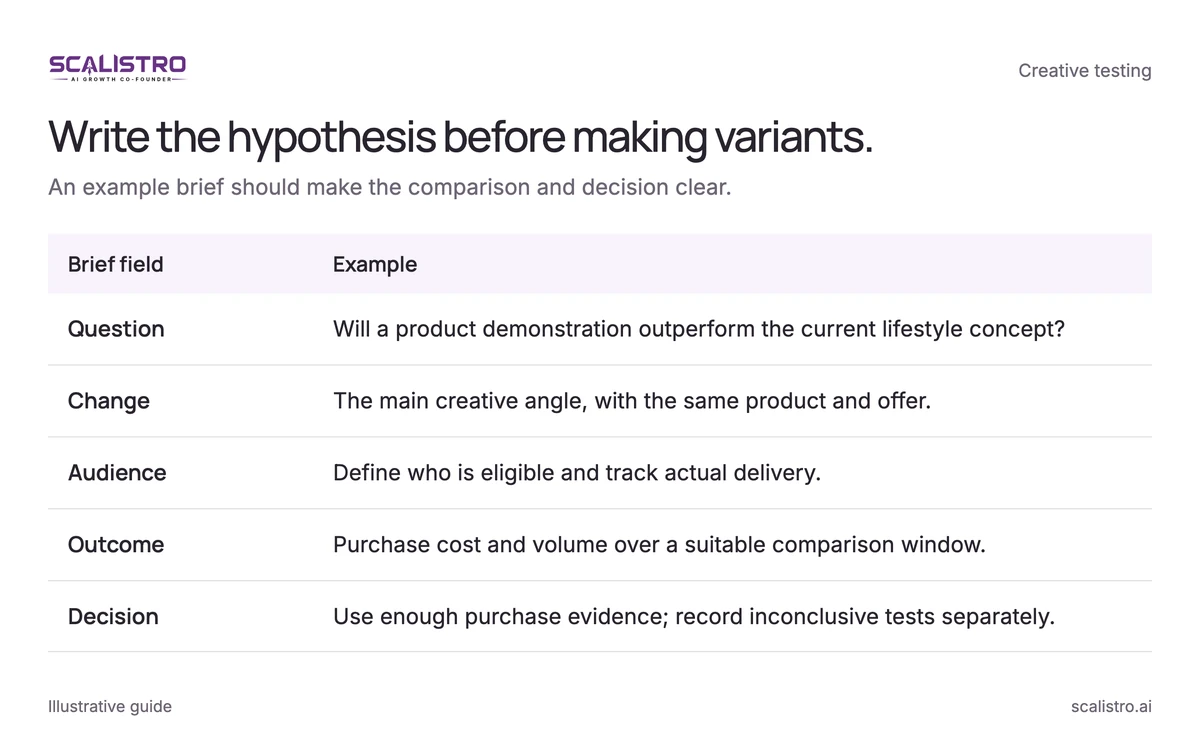
Image details: Write the hypothesis before making variants.
| Brief field | Example |
|---|---|
| Question | Will a product demonstration outperform the current lifestyle concept? |
| Change | The main creative angle, with the same product and offer. |
| Audience | Define who is eligible and track actual delivery. |
| Outcome | Purchase cost and volume over a suitable comparison window. |
| Decision | Use enough purchase evidence; record inconclusive tests separately. |
Check these five things:
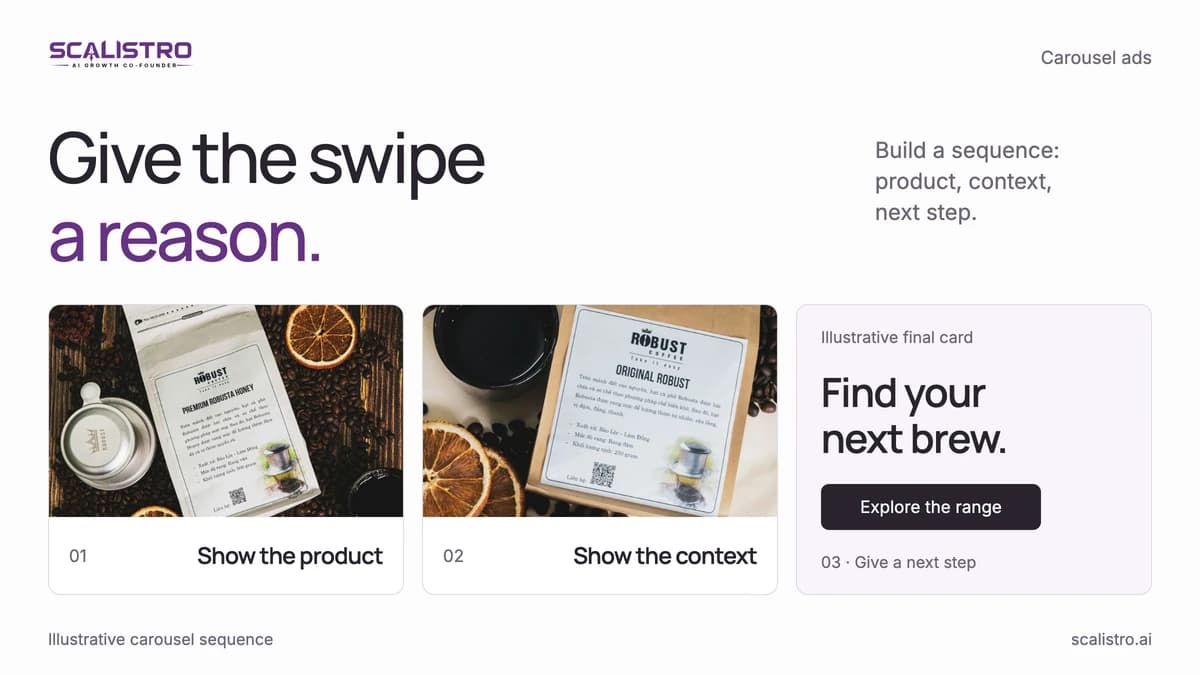
- Format: Did images, videos, or carousels bring in more buyers?
- Message: Was the winning ad a demo, a customer story, or a clear offer?
- Opening: Did people watch or click after the first few seconds?
- Audience: Did new visitors respond differently from past site visitors?
- Age: How long did the ad work before results fell?
Write one sentence for the next test: "Will a real product demo beat our lifestyle image for new shoppers?"
Step 2: Make Different Versions
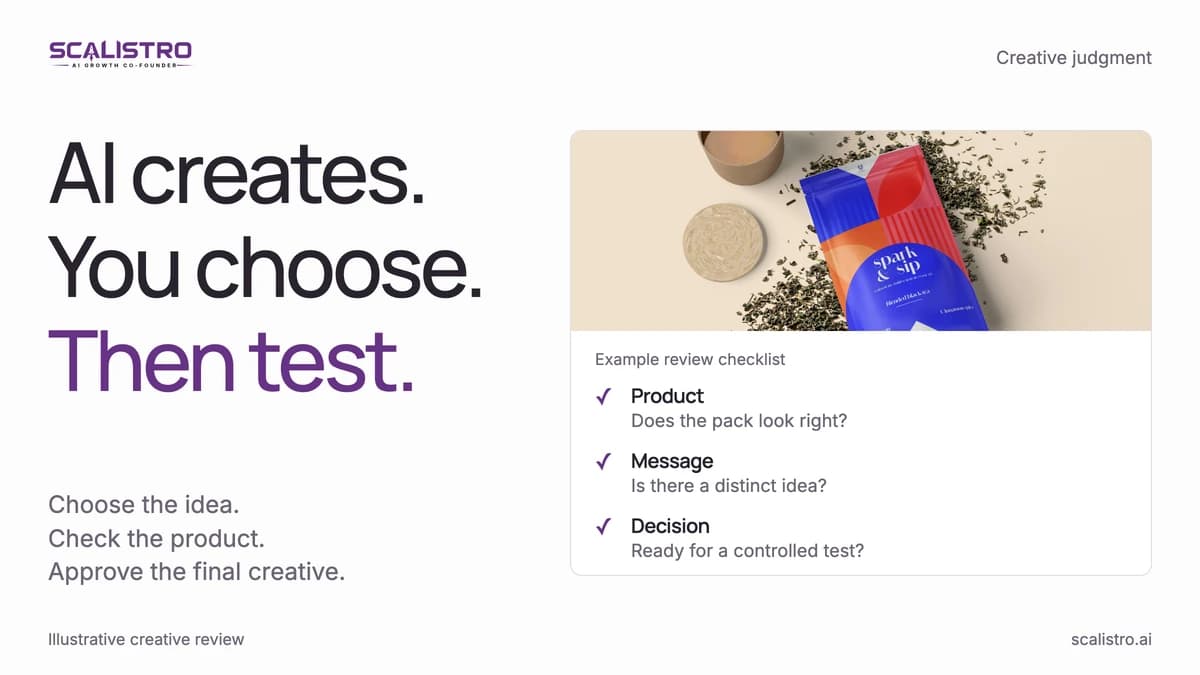
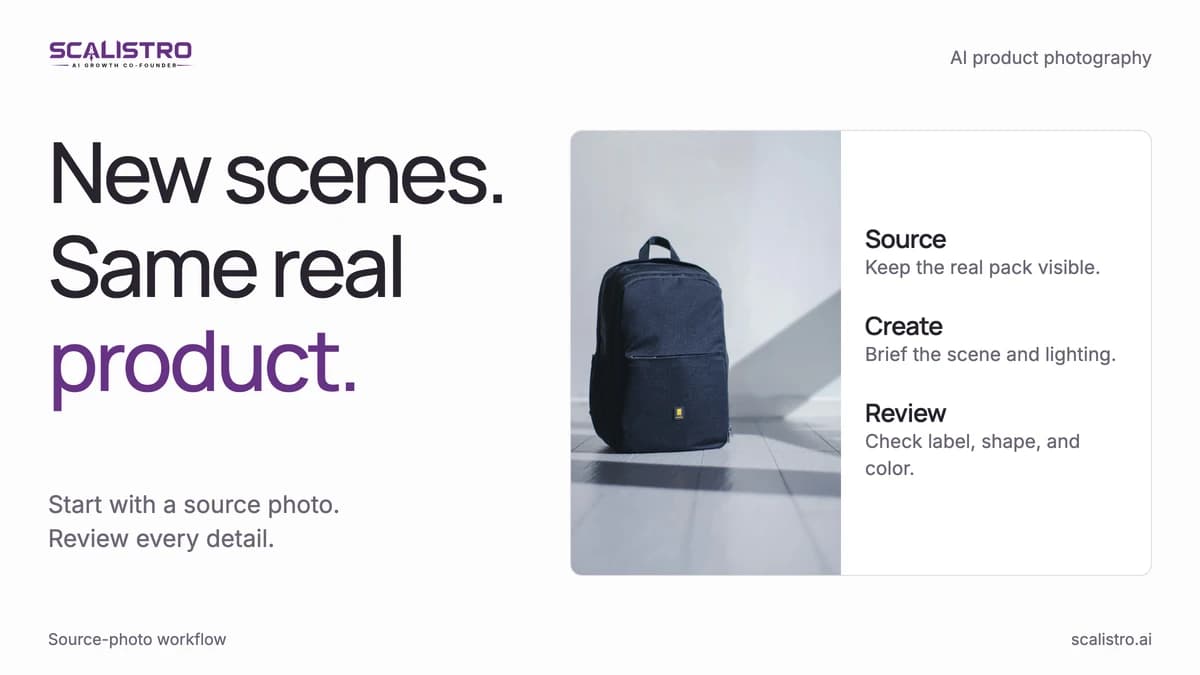
Give AI the real product photo, approved facts, and your brand style. Make a few versions of each idea so you can see what changed.
Images
Check every crop against the real product, especially the label, shape, and size.
- Put the product in a real-world setting, such as a kitchen or bathroom.
- Try different backgrounds without changing what the product looks like.
- Make feed, portrait, and Story sizes, then inspect each crop.
- Try a short headline on the image if it stays easy to read.
Ad Text
Ask for different messages, not ten ways to say the same sentence. Check every product claim.
- Try a demo message, a customer question, and a genuine review.
- Write a short headline that matches each message.
- Put the main point first so it survives text cutoffs on mobile.
How Many to Test
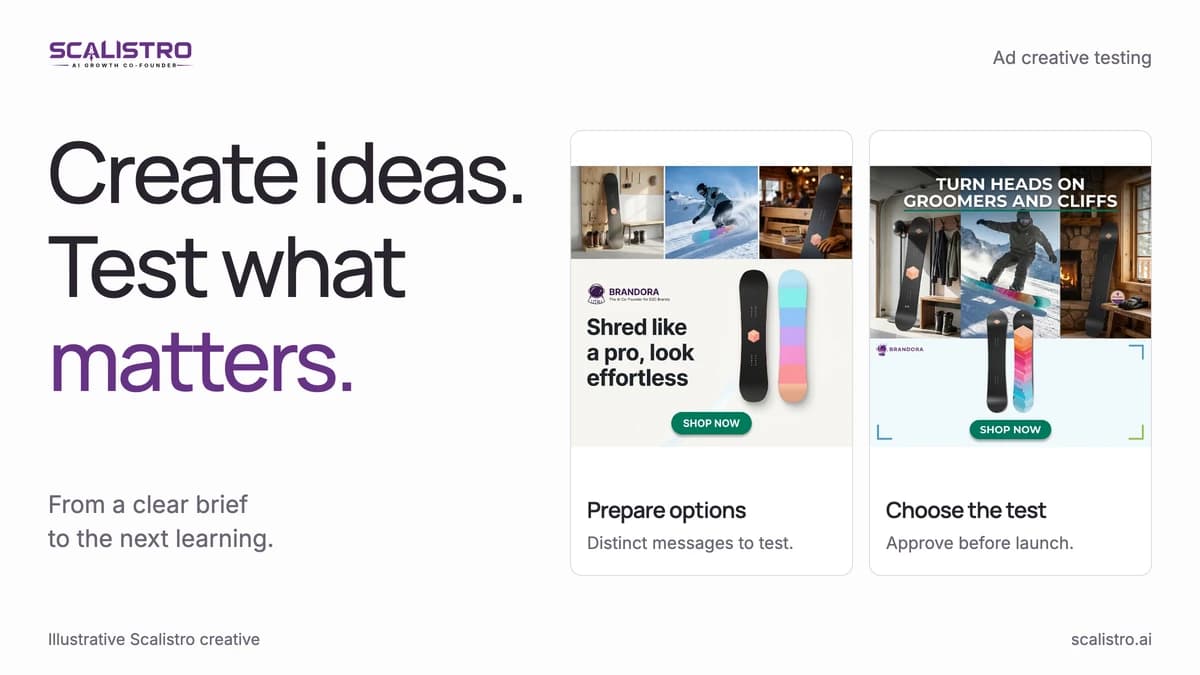
Five images and five text options make 25 combinations. Add three headlines and there are 75. You do not need to run all 75. Pick 15 to 20 that test a clear idea and fit your budget.
Step 3: Check Every Ad
Before paying to show an ad, open the final version at the size people will see.
Check:
- Does the product look right, including its label and color?
- Does the text sound like your brand?
- Can you back up every claim?
- Does it meet the ad platform's current rules?
- Are there strange hands, unreadable words, or other image errors?
You might keep 6 to 8 of 20 generated ads, an approval rate of 30 to 40 percent. Deleting weak work is part of using AI well.
Step 4: Run a Small Test
Set aside a test budget before moving a new ad into your main campaign. Write down who saw it, what you spent, and how many buyers it brought in.
An example setup:
- Use one campaign set to get purchases.
- Group ads by idea so you can compare the messages.
- Start with $20 to $30 a day per group only if your budget supports it.
- Let each ad spend enough to learn something. $50 is a screening point, not proof of a winner.
- Run through a normal buying week, often 5 to 7 days, and wait for enough purchase data.
Keep the ads that bring in buyers at an acceptable cost. Give a promising idea more time if the result is close. Stop an ad when it has spent the planned test budget without useful results.
Step 5: Use What You Learned
Put proven ads into your main campaign and record why they worked. Use the results to write the next brief. Over a few months, track how many of your tested ads become winners to see whether your briefs are improving.
Swipe to explore. Tap to open full size.
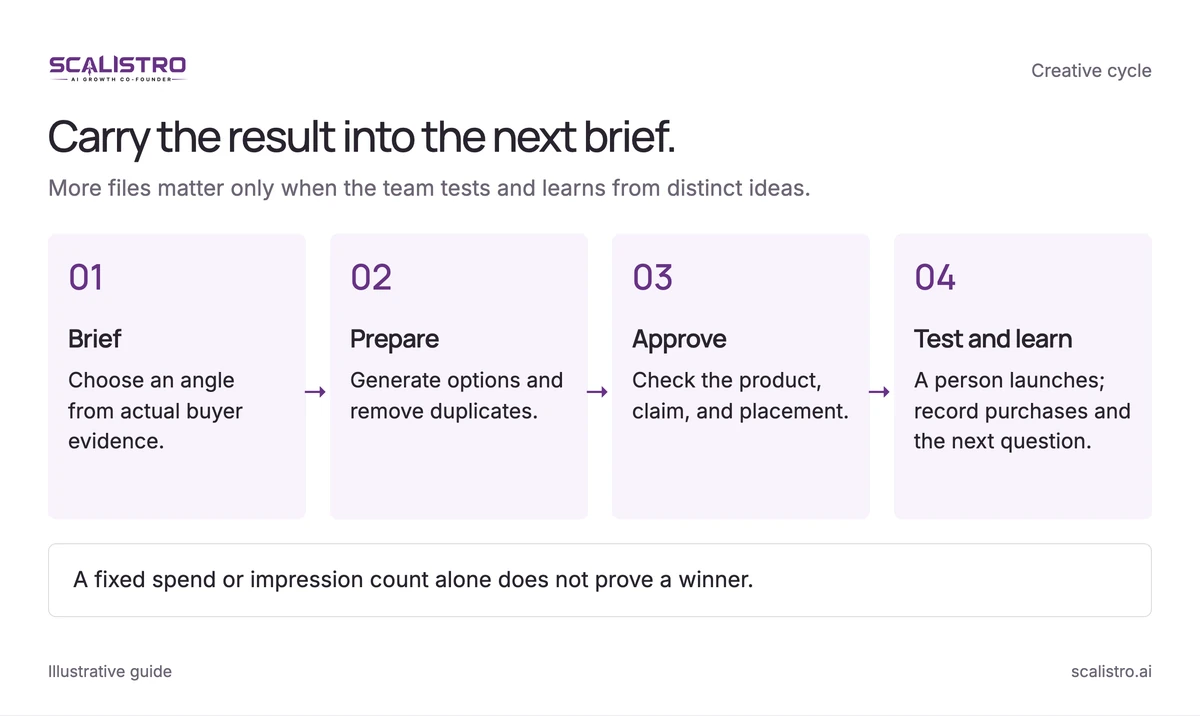
Image details: Carry the result into the next brief.
Carry the result into the next brief. More files matter only when the team tests and learns from distinct ideas. Brief - Choose an angle from actual buyer evidence.; Prepare - Generate options and remove duplicates.; Approve - Check the product, claim, and placement.; Test and learn - A person launches; record purchases and the next question. A fixed spend or impression count alone does not prove a winner.
Common Mistakes D2C Brands Make with AI Creative
Faster production can also multiply weak ideas. Use the same brief, review, and measurement discipline as you would for manually made ads.
Mistake 1: Generating Without Strategy
Fifteen variants based on clear hypotheses teach more than 50 random ones. Write down what each concept is meant to prove before generating it.
Mistake 2: Skipping Human Review
An inaccurate product image or claim can damage trust and trigger an ad-policy rejection. Keep approval in the workflow even when generation takes only minutes.
Mistake 3: Testing Too Many Things at Once
When image, copy, headline, and CTA all change together, the result cannot tell you which element mattered. Isolate the main variable where practical and document the rest.
Mistake 4: Not Documenting Learnings
Log the hypothesis, asset, spend, conversion result, and decision after each test. Three months of consistent records can become a useful brand-specific creative playbook.
Mistake 5: Over-Relying on AI for Brand Voice
Read AI copy aloud against real customer and brand language. Remove generic lines and edit for tone before approving.
How Scalistro Runs This Entire Workflow
Scalistro can connect creative production with performance review while keeping publication and ad spend under human control. Expert support is available on eligible plans.
The AI layer handles production and data:
- Stage 1 - Insights: Listro helps analyze connected Meta results and surface patterns worth testing from the brand's own history.
- Stage 2 - Creative: Listro helps prepare visual and copy variants from product images, brand direction, and the approved test brief.
- Stage 3 - Approval Queue keeps generated assets available for review, editing, or rejection before use.
- Stages 4 and 5 - Review: Listro helps examine connected results so the team can choose the next test.
- Organic social: Listro can plan and draft posts in parallel, so your organic content complements your paid creative strategy.
The human layer handles strategy and optimization:
The brand team chooses the strategy, reviews product truth, launches selected ads, and decides how to spend. On plans with expert support, Scalistro's specialists can help interpret results and guide the next creative direction. The workflow improves when those decisions are recorded and compared with actual performance.
Put the workflow into practice with a 30-day Meta creative testing calendar.