Meta Ad Creative Fatigue: A Week-by-Week Fix
Diagnose creative fatigue by comparing current results with the ad's own history, then refresh hooks, visuals, and audiences through controlled tests.
On this page
- Introduction
- What Creative Fatigue Actually Looks Like in Your Ads Manager
- Week 1: The Audit - Find What Is Fatigued and What Still Works
- Week 2: The Creative Refresh Sprint
- Week 3: Test and Measure
- Week 4: Scale Winners, Build the Rotation System
- How Many Creatives Do You Need Per Month?
- The Prevention Mindset: Never Be Reactive Again
- How Scalistro Prevents Creative Fatigue at Scale
- Frequently Asked Questions
Meta ad creative fatigue is what happens when people have seen the same ad so often that fewer of them respond. An ad that sold well for two weeks may start getting fewer clicks while each sale costs more. A bigger budget usually will not make that image or message feel new again.
Use this four-week plan to check whether the ad is really tired, make new ideas, test them, and keep a few replacements ready.
What Creative Fatigue Actually Looks Like in Your Ads Manager
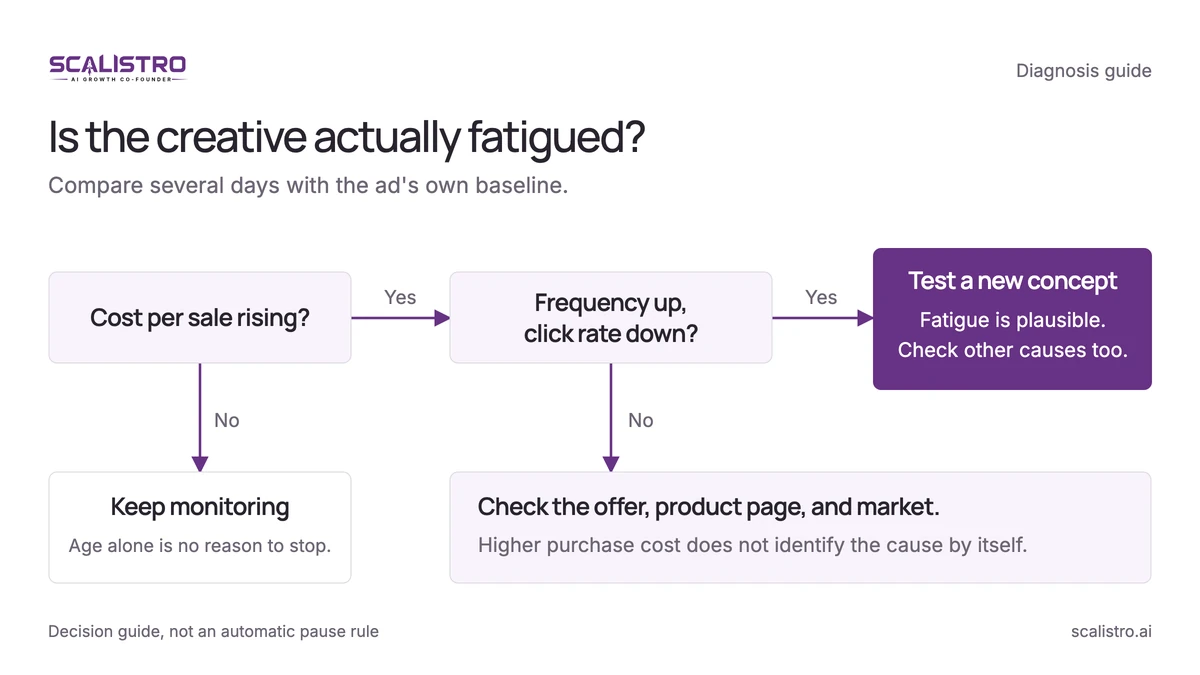
Do not pause a good ad because one number moved for one day. Look for several changes at once over 5 to 10 days:
The Fatigue Fingerprint
Four signs worth checking:
- People see the ad more often. Frequency means average views per person. Three views for new shoppers or eight for past visitors can be a useful warning point, not a fixed rule.
- Fewer people click. A 20% fall from the ad's usual click rate is worth investigating. A fall from 2% to 1.5% is a 25% drop.
- Showing the ad costs more. Compare cost per thousand views with the ad's own past results. Competition can also raise this cost.
- Each sale costs more. If the cost rises from $20 to $25, that is 25% more per sale. This matters more than a small change in clicks.
If each sale costs more but frequency is still low, check your offer, product page, season, and competitors before blaming the ad image.
Swipe to explore. Tap to open full size.
Use these signals together. They suggest what to investigate, not an automatic reason to pause an ad.
Swipe to explore. Tap to open full size.
Source: Motion's creative-fatigue walkthrough, featured in its ad-fatigue guide. This is the publisher's video preview, not a Scalistro screen or a performance benchmark.
How Fast Does Fatigue Set In?
The speed depends on your audience size and daily budget:
- Small audience (under 500K) + high budget: Fatigue can set in within 5 to 7 days
- Medium audience (500K to 2M) + moderate budget: Typically 10 to 14 days
- Large audience (2M+) + moderate budget: Can last 3 to 4 weeks
- Retargeting audiences (small by nature): 7 to 14 days regardless of budget
Week 1: The Audit - Find What Is Fatigued and What Still Works
Swipe to explore. Tap to open full size.
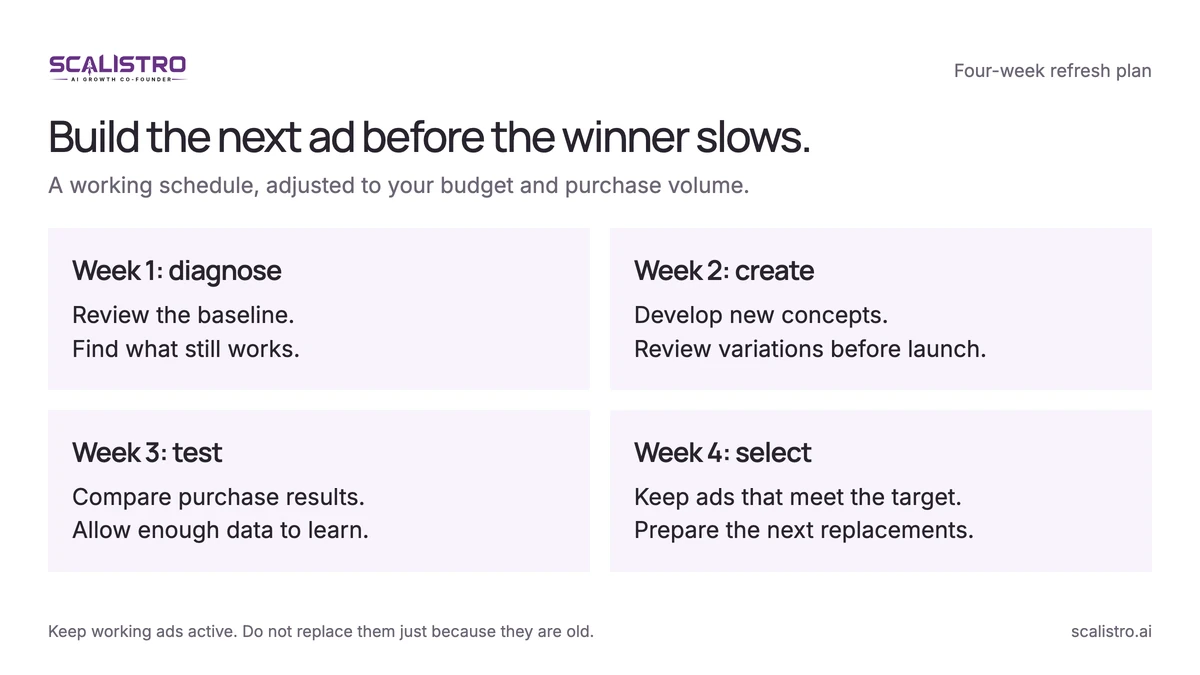
Adapt the schedule to the number of purchases you can measure. Keep working ads active while replacements are tested.
Day 1-2: Tag Every Active Creative
Open Ads Manager. For every active ad, write down when it started, how often people have seen it, its click rate, and the cost of a sale. Compare this week with the ad's own good weeks.
Day 3: Categorize Into Three Buckets
- Working: Click and purchase costs are still good. Keep running it, whatever its age.
- Slowing: People see it more often and sales cost 10-25% more than your target. Prepare a replacement and consider reducing spend.
- No longer worth the spend: Sales cost over 25% more than the target for long enough to be confident. Pause it and test a new ad.
Day 4-5: Analyze Your Winners' DNA
Before building new creatives, understand why your winners worked. For every "still performing" and recently-fatigued creative that had a good run, document:
- The message angle (problem-solution, testimonial, demo, etc.)
- The visual style (UGC, studio, lifestyle, graphic)
- The hook technique (bold text, question, movement, face)
- The format (static, video, carousel)
- The copy structure (short hook, story, list, testimonial lead)
Use those findings to write the next brief. Keep the part that worked and change the message or scene people have already seen.
Week 2: The Creative Refresh Sprint
Day 8-9: Generate New Concepts
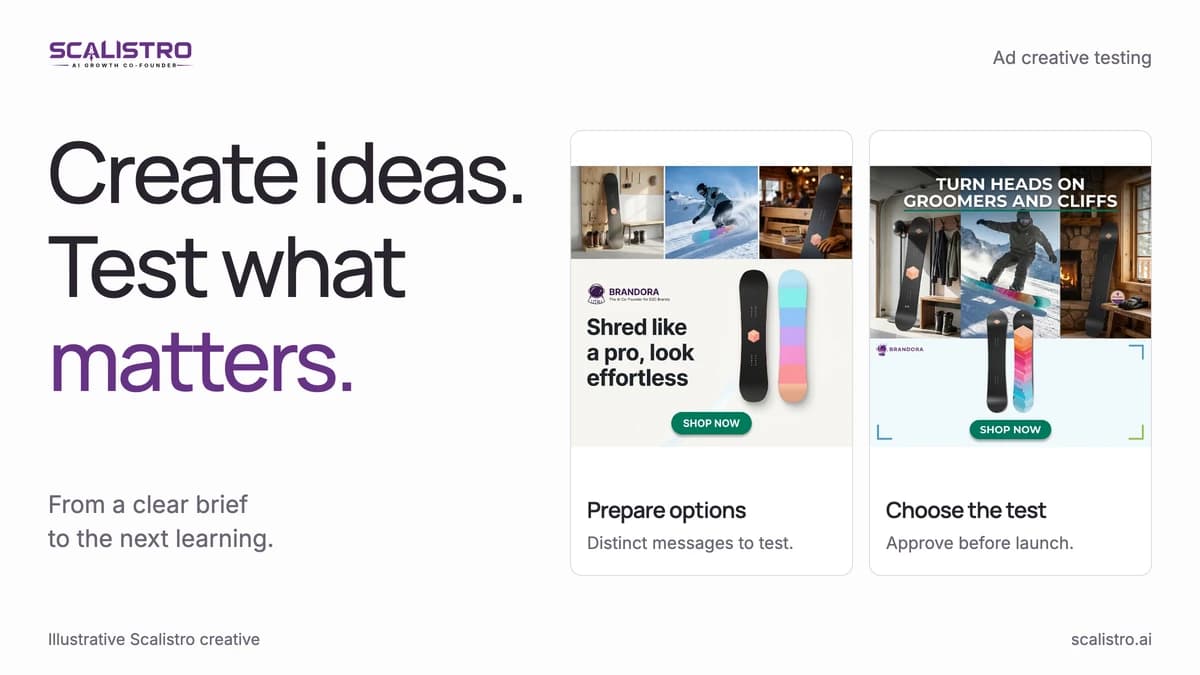
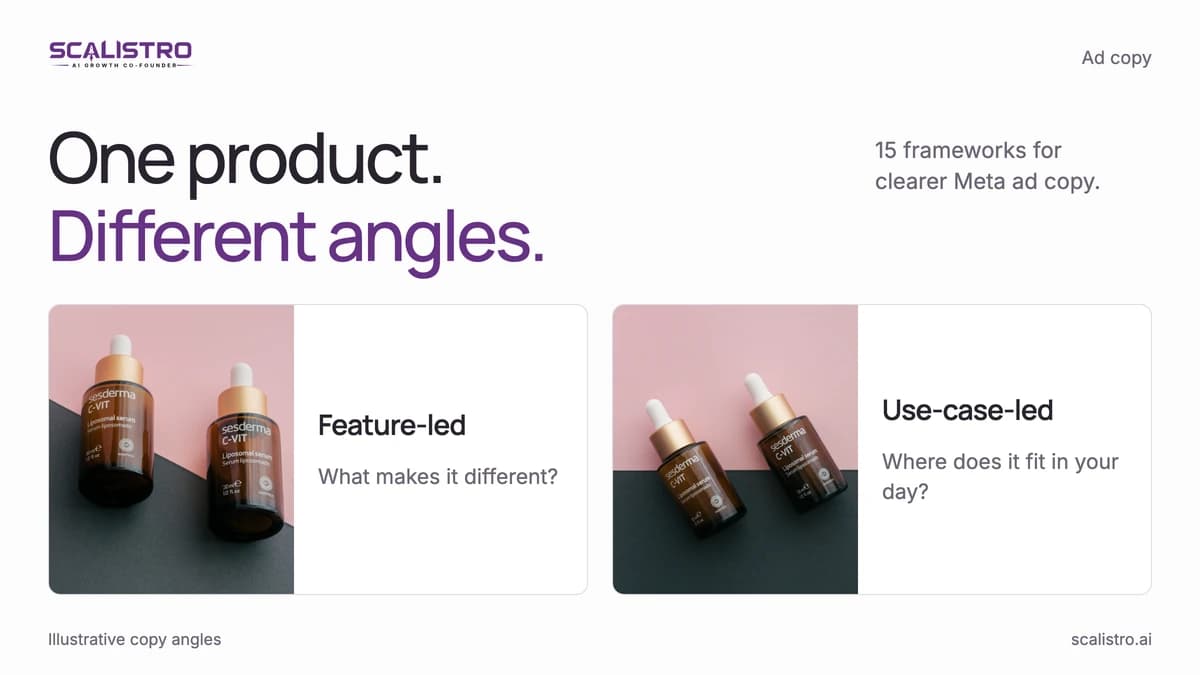
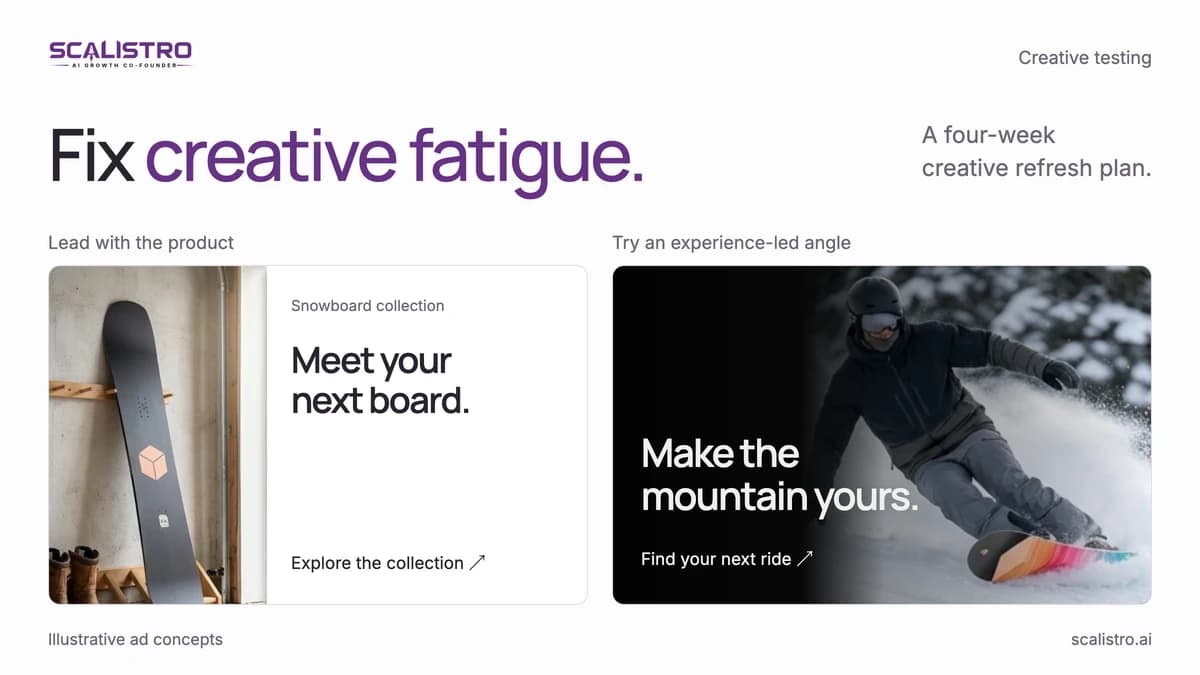
Make 4 to 6 new ideas from what worked before. If a product demo won, try showing a different use, buyer question, or product benefit. Do not simply change the background color.
Also create 1 to 2 concepts that explore entirely new angles. This ensures you are not just recycling the same themes until they all fatigue simultaneously.
Day 10-11: Produce 15 to 20 Variations
Make 3 or 4 versions of each strong idea. Listro can help make new layouts, text, and image sizes from the real product photos. Review every version before use.
Your production checklist for each variation:
- Image sizes for feed, portrait, and Stories, with the product visible in each crop
- A video version where the idea needs motion or a demonstration
- 3 primary text options (hook, story, social proof)
- 2 headline options
- CTA selected (Shop Now, Learn More, Get Offer)
Day 12-14: Prepare Ad Copy and Assets
Write all copy variations. Upload all assets to your Ads Manager creative library. Set up your testing campaign structure but do not launch yet - that comes in Week 3.
Week 3: Test and Measure
Day 15-16: Launch Tests
Start a small test with a budget you can afford:
- Use a campaign set to get purchases.
- Group ads by idea so you can compare them.
- Test only as many versions as your budget can support. The $20-$30 daily spend per group in this example may be too thin for 4-6 groups in a small account.
- Use broad targeting when it fits your product and market.
You can also try one or two older ads after a rest. Compare them with the new ads instead of assuming rest always works.
Day 17-21: Monitor Without Interfering
Watch the test daily, but avoid changing it after one weak day. Five days can cover most of a buying week; a low-volume store may need longer. An ad with no clicks after 500 views needs a closer look, but do not call it a failure on that number alone.
Week 4: Scale Winners, Build the Rotation System
Day 22-24: Declare Winners and Losers
After a week or enough purchases, keep the ads that meet your target cost per sale. Give a promising one more time if the result is close. Pause the ones that used the planned test budget without bringing in buyers.
Day 25-27: Build Your Rotation System
Keep a few new ads ready before a current winner slows down:
- Active pool: 5 to 8 creatives running at any given time in your scaling campaign
- Resting pool: 3 to 5 previously successful creatives that are paused, waiting to be reintroduced after 2 to 4 weeks of rest
- Testing pool: 10 to 15 new variations being tested in your dedicated testing campaign
- Retired pool: Creatives that have been tested, run, rested, and re-run without returning to profitable performance. Archive these for future reference but do not run them again.
Day 28-30: Plan Next Month's Creative Pipeline
Based on this month's data, plan your creative production for next month. You now know which concepts worked, which formats performed, and which angles resonated. Use these insights to brief your next generation sprint.
How Many Creatives Do You Need Per Month?
This depends on your ad spend and audience size. A practical formula:
- Under $3,000/month ad spend: 8 to 12 new creatives per month
- $3,000 to $10,000/month: 15 to 25 new creatives per month
- $10,000 to $30,000/month: 25 to 40 new creatives per month
- $30,000+/month: 40+ new creatives per month
These numbers sound daunting without AI tools. With Listro preparing variations from your product images and brand guidelines, producing 20+ variations in a single production sprint becomes realistic even for a one-person marketing team.
The Prevention Mindset: Never Be Reactive Again
Make new ads while the current ones still work. This gives your team time to check quality and avoids a rushed replacement when sales start to fall.
How Scalistro Prevents Creative Fatigue at Scale
Scalistro helps teams prepare fresh creative and examine connected campaign performance. People still choose which concepts to test and when to replace a fatigued ad.
The AI layer:
- Fatigue signals: Listro uses connected campaign results to help you review frequency, CTR, and cost trends. It can surface creative-fatigue signals for your team to investigate before deciding on a refresh.
- Fresh creative: Listro prepares new creative variations from your product images and brand guidelines, making the production sprint in Week 2 a matter of hours instead of days.
- Organic alignment: Listro can plan organic posts around your paid creative calendar, so your brand messaging is cohesive across both channels.
The human layer:
On plans with expert support, a specialist can help review results and plan the next ad. Your team approves assets and makes any campaign or budget change in the ad platform.
Prevent the next fatigue cycle with a 30-day creative testing calendar.