Instagram Reels Ads for D2C: Scripts, Specs and Testing
Create Reels ads with a fast hook, visible product use, readable captions, and a clear offer. Test scripts and placements against your own results.
On this page
Reels can be a cheaper placement than Feed in some accounts. Cheaper reach helps only if the video earns attention and moves qualified viewers toward a purchase.
Build vertically, keep the product and text clear of interface overlays, and show the value in the opening seconds. Use the specs, five script structures, production checklist, and performance ranges below to plan and judge a test.
Instagram Reels Ad Specs: Complete Reference
Use these settings as a production checklist, then preview the final ad in Meta's current placement interface before launch.
- Dimensions: 1080 x 1920 pixels
- Aspect ratio: 9:16 (full-screen vertical)
- Video length: Up to 90 seconds (15 to 30 seconds recommended for ads)
- File format: MP4 or MOV
- Maximum file size: 4 GB
- Minimum resolution: 500 x 888 pixels
- Recommended frame rate: 30 fps
- Primary text: 72 characters (before truncation on Reels)
- Headline: Not shown on Reels placement
Safe Zones You Must Respect
Reels displays profile, caption, and interaction controls over the video. Keep the product and key message away from these approximate overlay areas:
- Top 14 percent: Profile name, follow button, and close icon overlay this area
- Bottom 35 percent: Caption, CTA button, music label, and interaction icons (like, comment, share) cover this zone
- Sides 6 percent each: Like, comment, share, and bookmark icons sit along the right edge; Meta recommends keeping key elements out of the outer 6 percent on both sides (Meta Ads Guide)
- Safe zone: Your critical content - product, headline, and key message - should be in the center 50 percent of the frame
Check the rendered placement on a phone. A correct 9:16 export can still fail if the CTA or demonstration sits under interface controls.
Why Reels Ads Outperform Other Formats
The placement can offer cheaper reach and a natural setting for short demonstrations. Compare purchase cost with other placements before shifting budget.
Lower CPMs, Higher Reach
Compare Reels and Feed CPMs in your own account, and test both placements with suitable creative, since lower impression cost does not automatically mean lower customer acquisition cost.
Native Feel Builds Trust
Videos that demonstrate the product in a native social style can hold attention better than a static banner-like edit. Make the first scene useful or surprising, then move quickly to the proof and offer.
Sound-On Environment
Many Feed videos are watched on mute, while Reels viewing is more often sound-on. Use voiceover when it adds useful detail, and add captions so the ad still works without audio.
5 Proven Reels Ad Scripts for D2C Brands
Treat the scripts as timing and storytelling structures. Replace example claims with facts your product can support, and match the ending to the audience's stage.
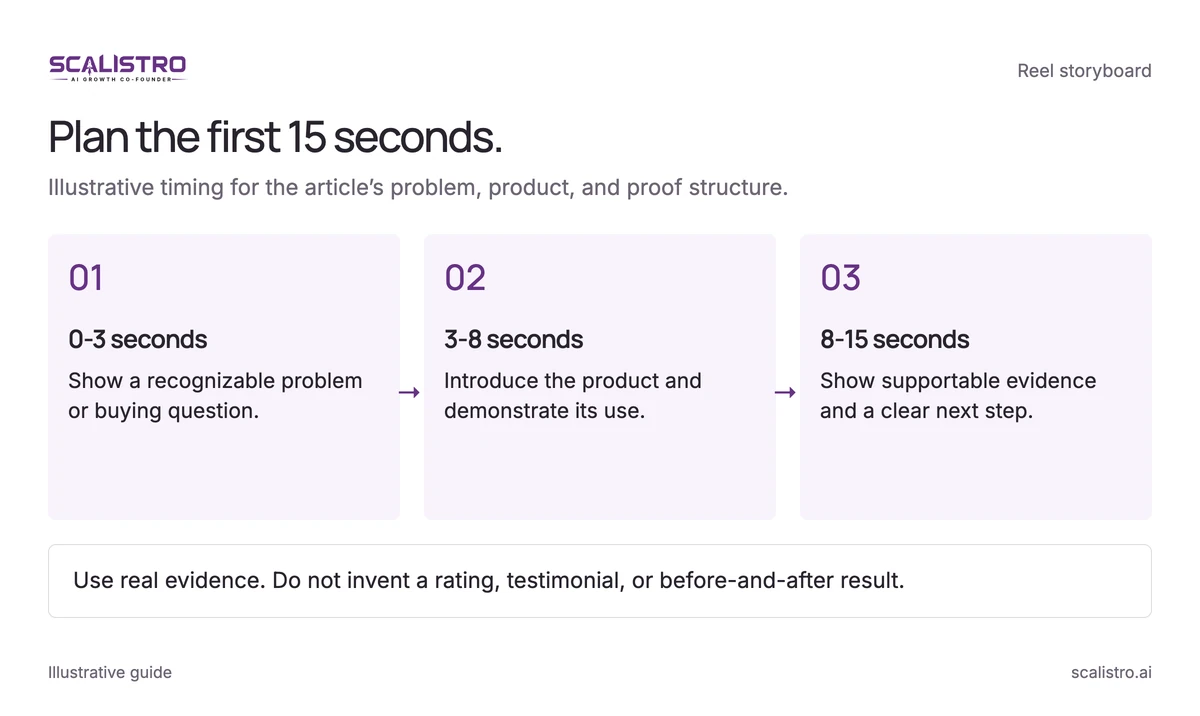
Script 1: The Problem to Product to Proof Script (15 Seconds)
Show a recognizable problem, then let the product and a verified result do the explaining.
Swipe to explore. Tap to open full size.
Image details: Plan the first 15 seconds.
Plan the first 15 seconds. Illustrative timing for the article’s problem, product, and proof structure. 0-3 seconds - Show a recognizable problem or buying question.; 3-8 seconds - Introduce the product and demonstrate its use.; 8-15 seconds - Show supportable evidence and a clear next step. Use real evidence. Do not invent a rating, testimonial, or before-and-after result.
Best for: Cold prospecting, awareness campaigns
Hook (0-3 seconds): Open with the problem. Show it visually - do not just say it. Example: Show dry, cracked hands (for a hand cream brand). Text overlay: "If your hands look like this in winter..."
Product (3-8 seconds): Introduce the product in one motion. Show the product being applied. Text overlay: "[Product name] changes everything."
Proof (8-15 seconds): Show the result. Smooth, hydrated hands. Cut to a quick customer testimonial text overlay: "My hands have never been softer - 4.8 star rating from 5,000+ customers." End frame: product shot with price and "Shop Now."
Script 2: The Three Reasons Why Script (20 Seconds)
Use three distinct benefits that can be shown or substantiated, not three ways of saying the same thing.
Best for: Middle-of-funnel, consideration campaigns
Hook (0-3 seconds): "3 reasons [your product category] will never be the same." Hold up three fingers. Fast cuts create urgency.
Reason 1 (3-8 seconds): Show the product's top benefit with a quick demo. Text: "Reason 1: [Specific benefit with a number]." Example: "Reason 1: 72 hours of hydration from one application."
Reason 2 (8-13 seconds): Show the second benefit. Text: "Reason 2: [Different angle - ingredient, process, or social proof]." Example: "Reason 2: Made with 100% organic shea butter."
Reason 3 (13-18 seconds): Show the third benefit. Text: "Reason 3: [Emotional benefit or outcome]." Example: "Reason 3: You will actually want to show off your hands."
CTA (18-20 seconds): Product close-up. Text: "Try it risk-free - link below."
Script 3: The Day in My Life with Product Script (30 Seconds)
Place the product naturally in a real routine, then show the outcome that matters to the customer.
Best for: Brand building, lifestyle positioning
Hook (0-3 seconds): "A day in my life as a [relatable identity]." Show a morning routine starting. This feels organic and native to Reels.
Morning (3-10 seconds): Show the product in the morning routine context. Text: "[Product] is the first thing I reach for." Quick cuts of getting ready, making coffee, applying/using the product.
Midday (10-18 seconds): Show the product's benefit playing out during the day. "Still going strong at 3 PM" or "This is how it holds up after 8 hours."
Evening (18-25 seconds): Show the end-of-day result. "And this is how my [skin/hair/outfit/space] looks at the end of the day."
CTA (25-30 seconds): Hold up the product. "If you want days like this - link in bio." Product shot with logo.
Script 4: The Unboxing Plus First Impressions Script (25 Seconds)
Use the packaging and first-use moment to answer questions about quality, size, or gifting.
Best for: Product launches, gifting campaigns, premium products
Hook (0-3 seconds): Close-up of a sealed package arriving. Text: "It is finally here." Build anticipation.
Unboxing (3-12 seconds): Slow, satisfying opening. Show the packaging details - tissue paper, branded elements, product reveal. Each cut should feel premium and intentional.
First impressions (12-20 seconds): React genuinely to the product. Touch it, smell it, try it on, or use it for the first time. Text overlay: "The texture is incredible" or "This is better than I expected."
CTA (20-25 seconds): Show the product beautifully arranged. Text: "Want to experience this yourself? [Offer detail] - link below."
Script 5: The Before vs After Script (15 Seconds)
Use genuine, comparable footage and verify the timeframe and result before making a transformation claim.
Best for: Retargeting, conversion campaigns, results-driven products
Before (0-5 seconds): Show the "before" state clearly. Text: "Before [Product Name]." Make it relatable, not exaggerated.
Transition (5-7 seconds): Quick transition effect - a snap, a swipe, or a cut. Show the product being used in a fast montage.
After (7-12 seconds): Show the "after" result. Text: "After 2 weeks with [Product Name]." Let the visual speak - less text is more here.
CTA (12-15 seconds): Product shot with star rating. Text: "See the difference - Shop Now."
Production Tips for High-Performing Reels Ads
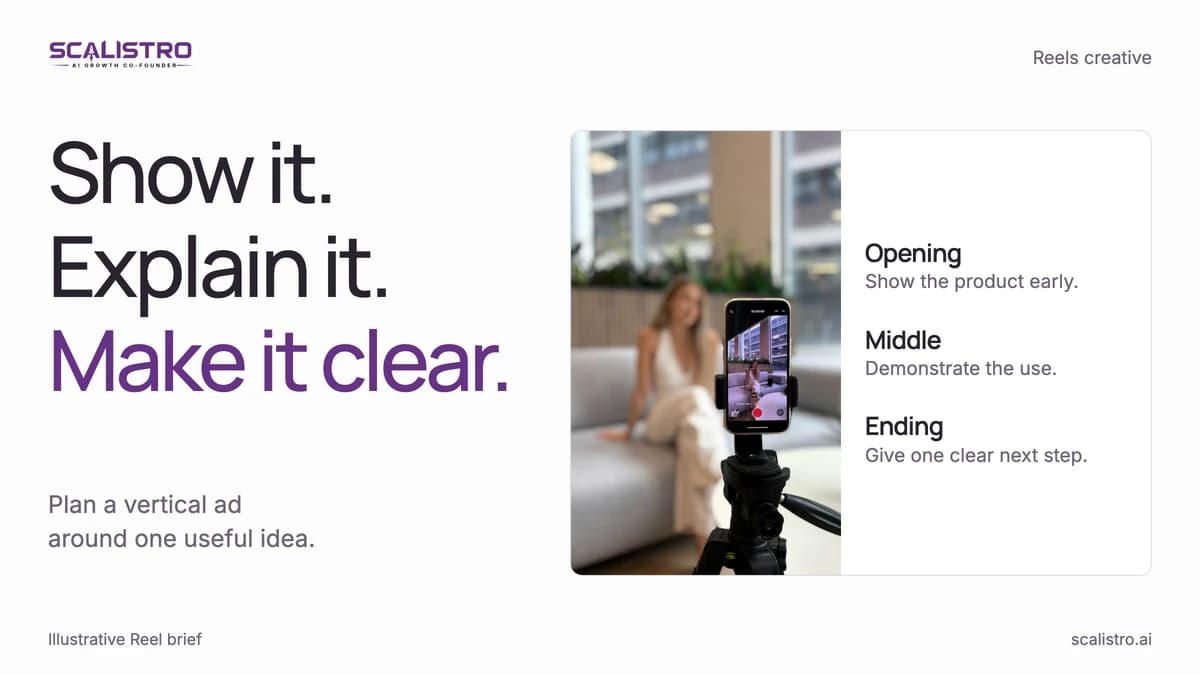
Clear light, legible text, and a useful first frame matter more than expensive production gear.
Swipe to explore. Tap to open full size.
Image details: Inspect the final vertical frame.
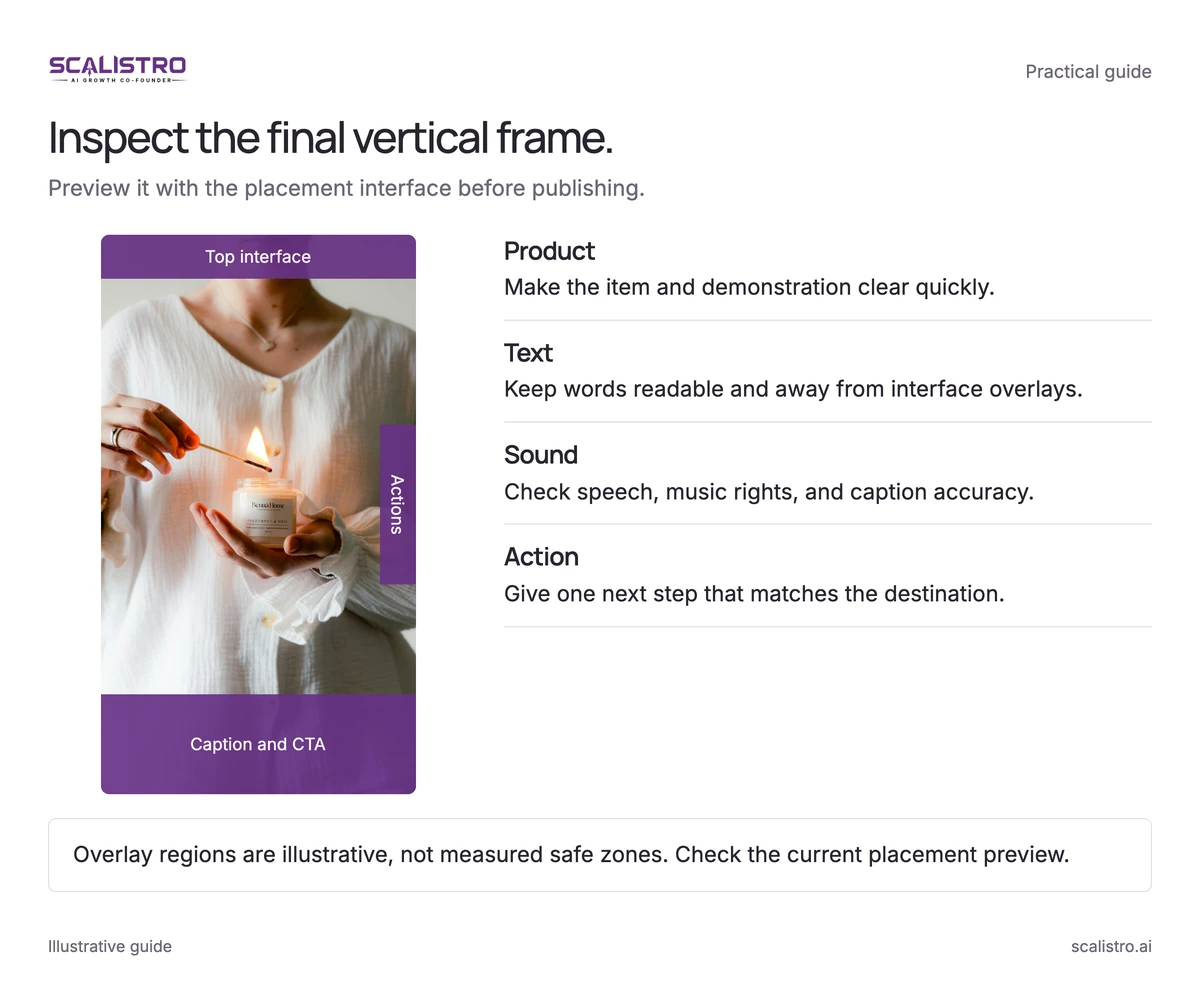
Inspect the final vertical frame. Preview it with the placement interface before publishing. Product - Make the item and demonstration clear quickly.; Text - Keep words readable and away from interface overlays.; Sound - Check speech, music rights, and caption accuracy.; Action - Give one next step that matches the destination. Overlay regions are illustrative, not measured safe zones. Check the current placement preview.
Photo: Dima Solomin / Unsplash.
Lighting
Face a window for even light. If that is unavailable, place a small light near eye level and remove harsh overhead shadows. Check that the product color still matches reality.
Framing
Film vertically and keep the subject near the middle third. Leave room for Reels controls, especially in the top 14 percent and bottom 35 percent, and preview before publishing.
Text Overlays
Use high-contrast captions that can be read without pausing. Limit each frame to 5 to 7 words and keep text in the safe area.
Hook Techniques That Stop Scrolls
Test opening frames that make the product or problem clear immediately:
- Movement in frame 1: A hand reaching for a product, a package being opened, a product being applied
- Bold text hook: A provocative statement or question that creates curiosity
- Face in frame: Human faces capture attention faster than product shots alone
- Contrast or color pop: A bright product against a muted background, or vice versa
Audio Strategy
Record voiceover in a quiet room when explanation helps the sale. Keep music low, around 30 percent of the voice level, and check playback on a phone.
Performance Benchmarks for D2C Reels Ads
Use these ranges as an initial diagnostic, then compare your own product, audience, and placement history:
- Thumb-stop rate: 25 to 40 percent (3-second views / impressions). Below 20 percent means your hook is weak.
- Average watch time: 50 percent or more of the video length is strong. Below 30 percent means you are losing people too early.
- Click-through rate: 1.0 to 2.5 percent for prospecting, 2.0 to 5.0 percent for retargeting.
- CPM: Compare with Feed placement CPMs in the same campaign.
- Cost per purchase: Your Reels-specific CPA should be at or below your blended campaign CPA.
How Scalistro Streamlines Reels Ad Production
Listro can help plan content from connected audience and performance signals and prepare visual treatments and storyboards for a Reel brief. A person still films or assembles the finished video, checks every claim, and launches the selected ad. Expert campaign guidance is available on eligible plans.
Choose a production style with the UGC versus professional ads guide before scripting the Reel.