D2C Product Launch Marketing: 30-Day Checklist
Plan a D2C product launch in four phases: prepare the offer, build demand, coordinate launch channels, and review sales and customer feedback.
On this page
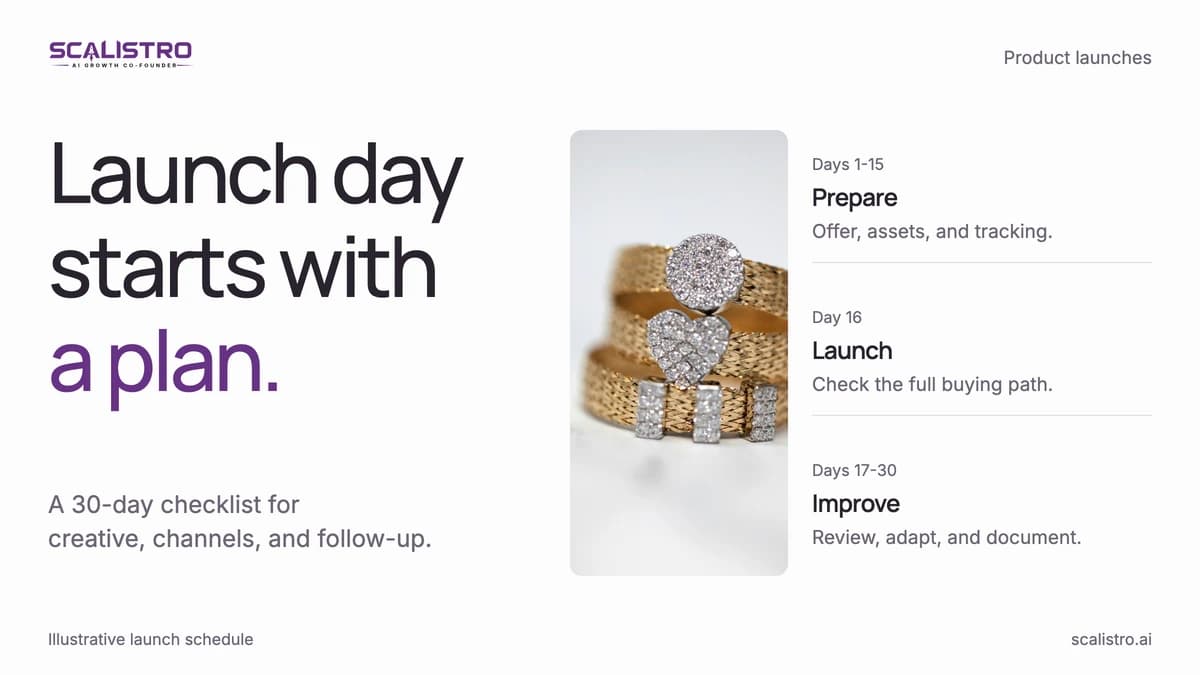
A D2C product launch needs more than a launch-day announcement. Plan the offer, creative, tracking, and follow-up as one 30-day campaign: 15 days of preparation, launch day, and 14 days of optimization. A planned launch gives every channel a job, instead of listing the product and hoping regular promotion carries it.
Use the schedule below as a working checklist. The time estimates help you assign owners and reserve capacity before the launch week gets busy.
Pre-Launch Phase: Days 1 to 15
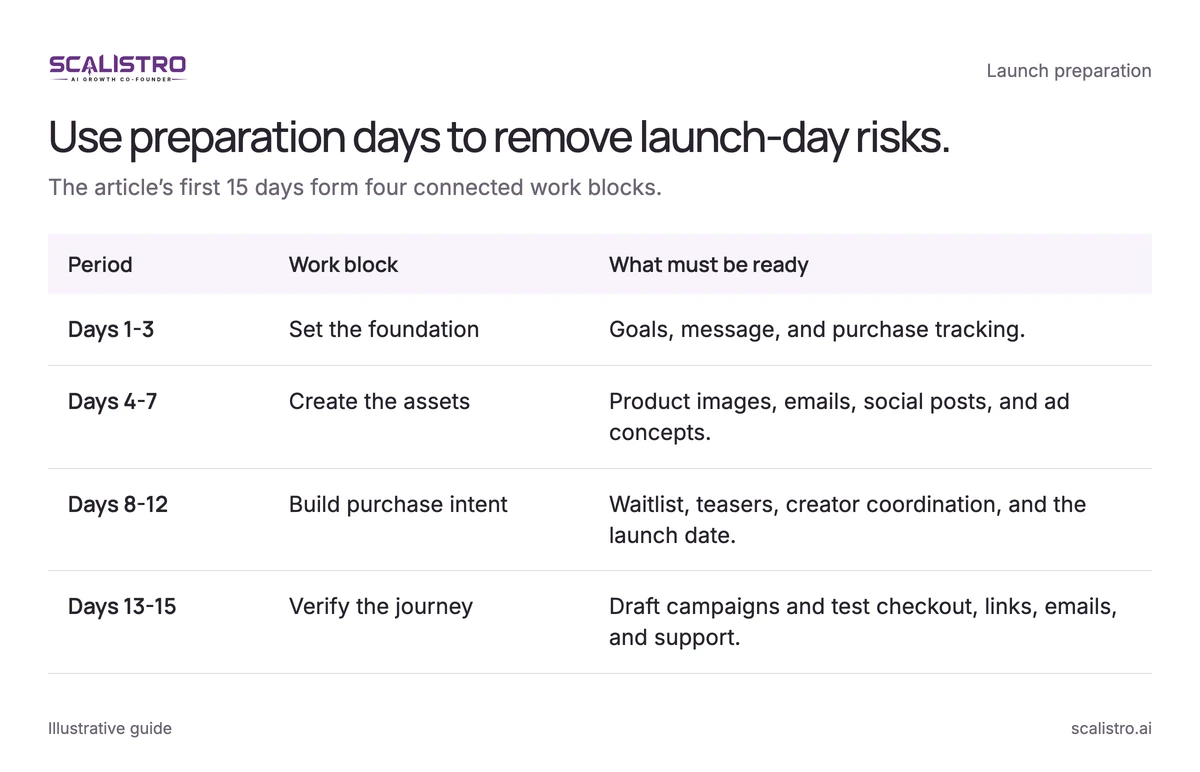
Set the targets and message first. Then create the assets, build an audience, and check every buying path before you turn on launch campaigns.
Swipe to explore. Tap to open full size.
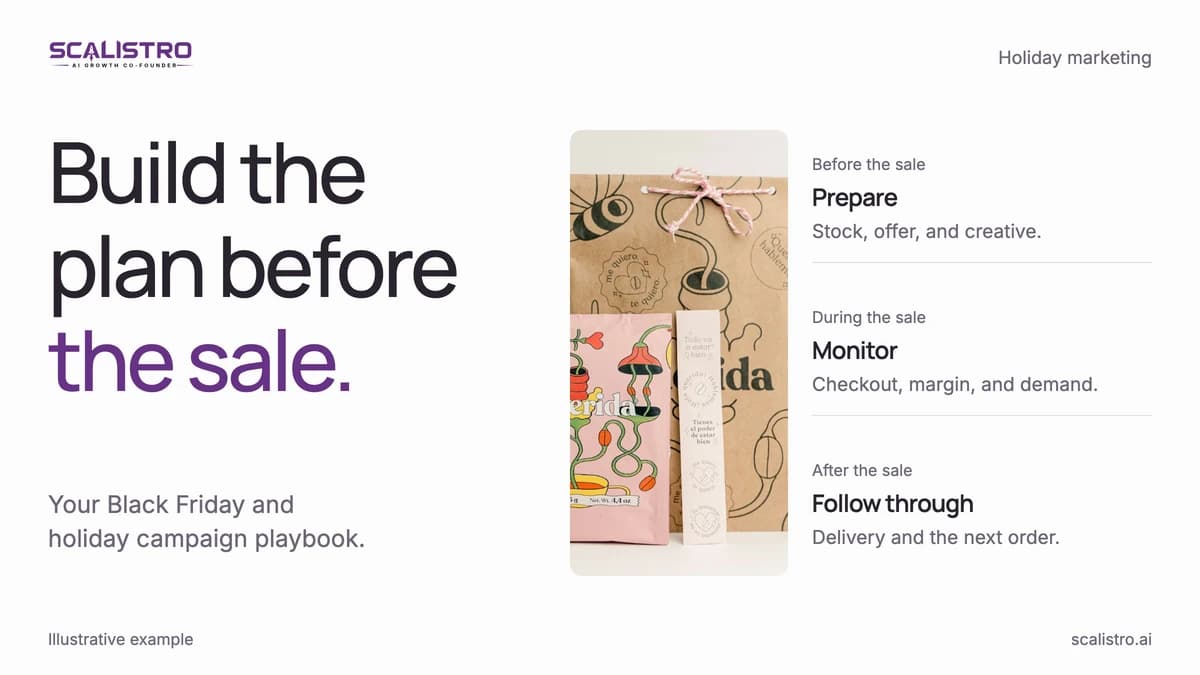
Image details: Use preparation days to remove launch-day risks.
| Period | Work block | What must be ready |
|---|---|---|
| Days 1-3 | Set the foundation | Goals, message, and purchase tracking. |
| Days 4-7 | Create the assets | Product images, emails, social posts, and ad concepts. |
| Days 8-12 | Build purchase intent | Waitlist, teasers, creator coordination, and the launch date. |
| Days 13-15 | Verify the journey | Draft campaigns and test checkout, links, emails, and support. |
Days 1 to 3: Foundation Setup
These three days define what success means and how you will measure it.
- Day 1: Define launch goals and KPIs (2 hours). Write down launch-week revenue, waitlist signups, and engagement targets. A concrete target might be $15,000 in the first 7 days, 2,000 waitlist signups, and a 5 percent click-through rate on the announcement email. Give each target an owner and a measurement source.
- Day 2: Write the messaging brief (3 hours). Specify the customer, the problem, the product's main benefit, 3 to 5 supporting benefits, its difference from alternatives, and the launch offer. Use the same brief for ads, email, the product page, and creator outreach.
- Day 3: Check tracking and attribution (2 hours). Add UTM parameters to every channel, test the landing page's conversion events, and build a dashboard for sessions, orders, revenue, and spend. Tracking in place before launch lets you see winning channels while the campaign is live.
Days 4 to 7: Asset Creation
Create the core assets once, then adapt them to each channel. Keep the product page and ads visually consistent so buyers recognize the offer when they click through.
- Day 4: Shoot the product (4 to 6 hours). Capture hero images, lifestyle scenes, details, and 3 to 5 short videos of 15 to 30 seconds each. AI photography tools can turn 10 base photos into 50 or more background and format variations for ads and social.
- Day 5: Draft the email sequence (3 to 4 hours). Prepare 5 to 7 emails: 2 to 3 teasers, the announcement, 1 to 2 follow-ups, and a final reminder. Compare launch results with your normal campaign click and purchase rates; open rates are unreliable since Apple Mail Privacy Protection.
- Day 6: Plan social posts (3 to 4 hours). Prepare 15 to 20 posts across teasers, behind-the-scenes footage, the reveal, early testimonials if available, and a countdown. Adapt the creative and caption to each platform instead of publishing the same post everywhere. Listro can help draft the plan and captions for your team to review.
- Day 7: Build the ad library (3 to 4 hours). Make 10 to 15 variations across 3 to 4 concepts, such as product benefits, the problem and solution, social proof, and the offer. Produce static, video, or carousel formats where each concept fits.
Days 8 to 12: Pre-Launch Hype Building
Give interested shoppers a clear place to sign up, then make each message reveal something useful about the product.
- Day 8: Publish the waitlist page (1 to 2 hours). Add an email form and a reason to join, such as early access, free shipping, a bundle, or a launch offer. People who joined a waitlist usually convert far better than cold audiences.
- Day 9: Send the first teaser (30 minutes). Tell your existing list what problem the new product addresses, hint at the reveal, and link to the waitlist.
- Day 10: Start social teasers (30 minutes daily). Publish 1 to 2 posts a day using close-ups, materials, or development footage. Add a countdown to Stories and route interested viewers to the waitlist.
- Day 11: Brief creators (2 hours). Ship products to 5 to 10 creators and agree on posting dates and deliverables. Smaller creators are often more affordable for a launch; agree on rates and usage rights up front. Aim for content on launch day or the day after.
- Day 12: Send the second teaser (30 minutes). Reveal a benefit, ingredient, or beta-customer quote, then give subscribers the launch date and a reason to stay on the list.
Days 13 to 15: Final Preparation
Move from creation to quality control. Test the customer journey on a phone and a desktop before any campaign starts spending.
- Day 13: Build campaigns in draft (2 to 3 hours). Prepare Meta and TikTok campaigns without publishing them. Set up 2 prospecting campaigns, one broad and one interest-based, plus 1 retargeting campaign for waitlist, email, and site visitors.
- Day 14: Send the final teaser (1 hour). Announce that the product arrives in two days across email and social.
- Day 15: Run the launch checklist (1 to 2 hours). Verify the product page, payment methods, shipping information, email automations, campaign links, scheduled posts, and support answers. Make a test purchase before launch day.
Launch Day: Day 16
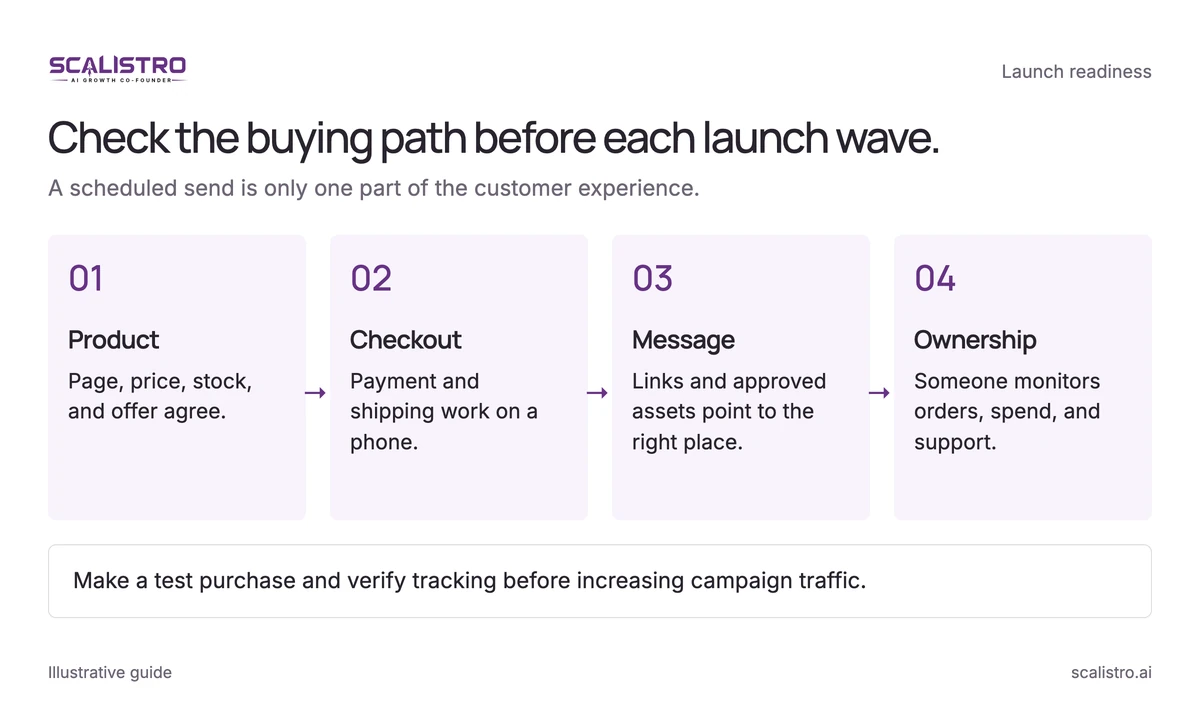
Launch in waves so the team can check checkout, creative, and demand between sends. Use these times as a sequence, adjusted for your customers' time zone:
Swipe to explore. Tap to open full size.
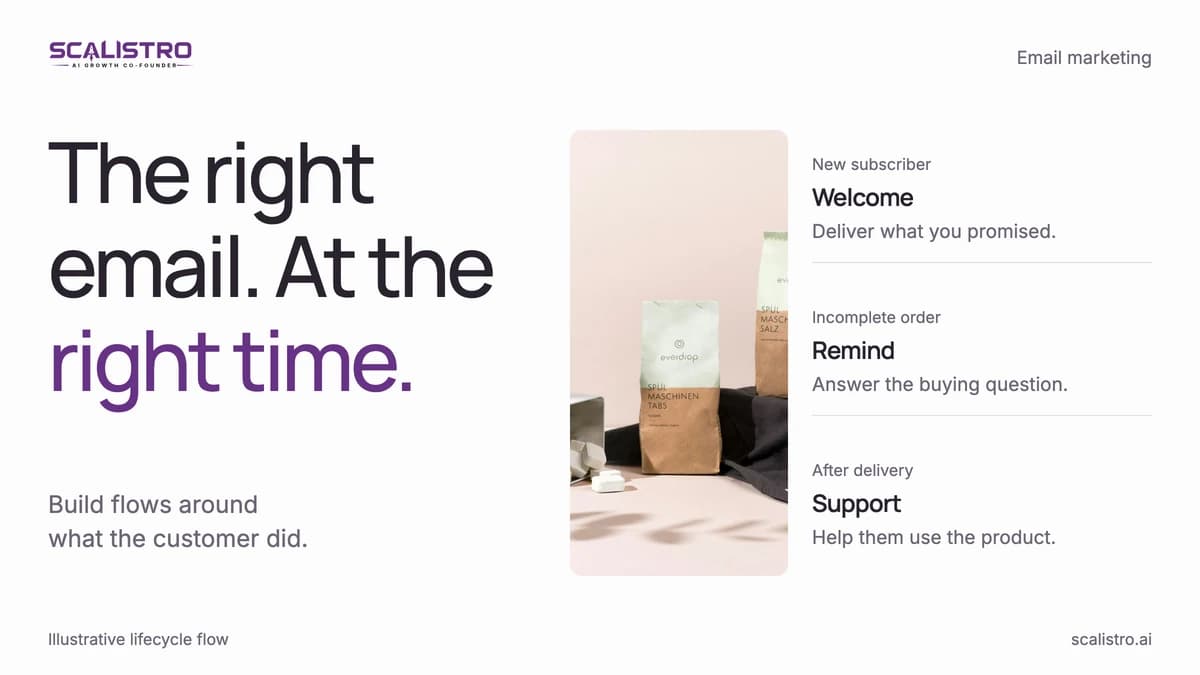
Image details: Check the buying path before each launch wave.
Check the buying path before each launch wave. A scheduled send is only one part of the customer experience. Product - Page, price, stock, and offer agree.; Checkout - Payment and shipping work on a phone.; Message - Links and approved assets point to the right place.; Ownership - Someone monitors orders, spend, and support. Make a test purchase and verify tracking before increasing campaign traffic.
- 6:00 AM: Activate ads at moderate budgets. Confirm that clicks reach the correct product page and that checkout works before increasing spend.
- 8:00 AM: Email the waitlist and VIP customers first.
- 9:00 AM: Stagger social posts across Instagram Feed, Stories, Reels, and TikTok over 2 to 3 hours rather than posting everything at once.
- 10:00 AM: Email the rest of your list, excluding people who received the early send.
- 12:00 PM: Review ad CTR, landing page conversion, email engagement, and revenue. Shift budget only after confirming the data and purchase flow.
- 3:00 PM: Share real customer activity or available social proof. Do not imply a product is selling out unless inventory data supports it.
- 6:00 PM: Check results again, then prioritize the ad concepts and audiences producing profitable orders.
- 8:00 PM: Send a new subject line to morning non-openers. This follow-up reaches people who missed the first send.
Post-Launch Phase: Days 17 to 30
The first day tells you where demand is strongest. The next two weeks turn that signal into repeatable campaigns and record what to improve next time.
Days 17 to 19: Momentum Building
Review the full funnel before changing budgets. A traffic problem needs a different fix from a checkout or conversion problem.
- Day 17: Diagnose performance (2 hours). Compare revenue with the goal and break conversion, email, CAC, and ROAS down by channel and segment. Identify the strongest creative and the biggest source of lost sales.
- Day 18: Expand what works (1 to 2 hours). Increase budgets on winning ads by 30 to 50 percent, send a follow-up to launch-email readers who did not purchase, and reuse the best social post in Stories.
- Day 19: Ask buyers for reviews (1 hour). Send a post-purchase request with an optional 10 percent next-order incentive or small gift. Early reviews give later visitors the proof they look for.
Days 20 to 25: Sustained Push
Keep the launch visible while protecting efficiency. Watch creative fatigue, conversion rate, and stock levels together.
- Every 3 to 5 days: Refresh creative. Launch ads fatigue quickly under concentrated spend. Add 3 to 5 new variations based on the strongest message or visual concept.
- Day 21: Review the 30-day forecast (1 to 2 hours). If revenue is behind target, identify whether the constraint is traffic, on-site conversion, or average order value. Match the fix to the constraint.
- Day 23: Add an offer if needed (1 hour). Test a bundle, shipping deadline, or limited-quantity bonus if momentum slows. Keep any deadline real and clear.
Days 26 to 30: Transition to Evergreen
Keep the winning message, but remove language that will expire when the launch ends.
- Day 26: Convert winners to evergreen (2 hours). Replace "just launched" copy with benefits, demonstrations, and customer proof. Keep the best creative only while its performance holds.
- Day 28: Write the retrospective (2 to 3 hours). Record revenue by channel, launch CAC, email results, creative results, stock issues, and decisions you would change. Save the brief and results for the next launch.
- Day 30: Build the follow-up flow (1 to 2 hours). Email people who engaged but did not buy. Answer objections with reviews, product details, comparisons, and a relevant final offer.
Estimating Launch Revenue
Estimate launch revenue from your waitlist size before setting spend. These ranges give you a planning baseline, not a substitute for your own conversion data.
| Waitlist Size | Expected Launch Day Revenue | Expected 30-Day Revenue |
|---|---|---|
| 500 | $1,500 to $3,000 | $5,000 to $12,000 |
| 2,000 | $5,000 to $12,000 | $15,000 to $40,000 |
| 5,000 | $12,000 to $30,000 | $35,000 to $90,000 |
| 10,000+ | $25,000 to $75,000 | $75,000 to $200,000 |
The ranges assume a $40 to $80 average order value and 5 to 12 percent waitlist-to-purchase conversion. Compare those assumptions with your own list quality and previous launch results, then adjust the forecast before committing spend.
Turn launch milestones into publishable work with a D2C content calendar.