AI Ad Intelligence for D2C Brands: Read Ads Alongside Your Store
See how Listro reads Meta and Google Ads results alongside Shopify sales, margin, and stock, so your team can decide what to scale, test, or fix.
On this page
AI ad intelligence means using AI to understand ad results in the context of the whole business, then decide what to scale, test, or fix. In Scalistro, that work is done by Listro, the intelligence layer behind every part of the platform. Listro reads connected Meta Ads and Google Ads data alongside your Shopify sales, product margin, stock, and brand context. It turns what changed into campaign recommendations with supporting evidence. Your team, or our growth experts, still make every launch, pause, and budget change in the ad platform.
That distinction matters. A falling ROAS is a signal, not a diagnosis. The cause could be a tired creative, a product going out of stock, a slower landing page, an attribution change, or ordinary variation from a small sample. A useful assistant helps the person responsible for the account investigate before touching a live campaign.
Start With the Accounts You Already Run
Connect Shopify and the Meta Ads or Google Ads accounts you want to review. Listro examines campaign structure, spend, and reported performance from those accounts. Shopify adds product and store context, so the team can ask whether an ad result supports the commercial goal behind it, and whether the product being promoted has the margin and stock to justify more spend.
Use the same date range when comparing spend, conversions, cost per result, and return. Keep platform-attributed revenue and store orders separate, and do not add Meta and Google attributed revenue together: each platform can claim credit for the same order. If conversion volume is low or tracking recently changed, say so before drawing a conclusion.
Turn Performance Changes Into Better Questions
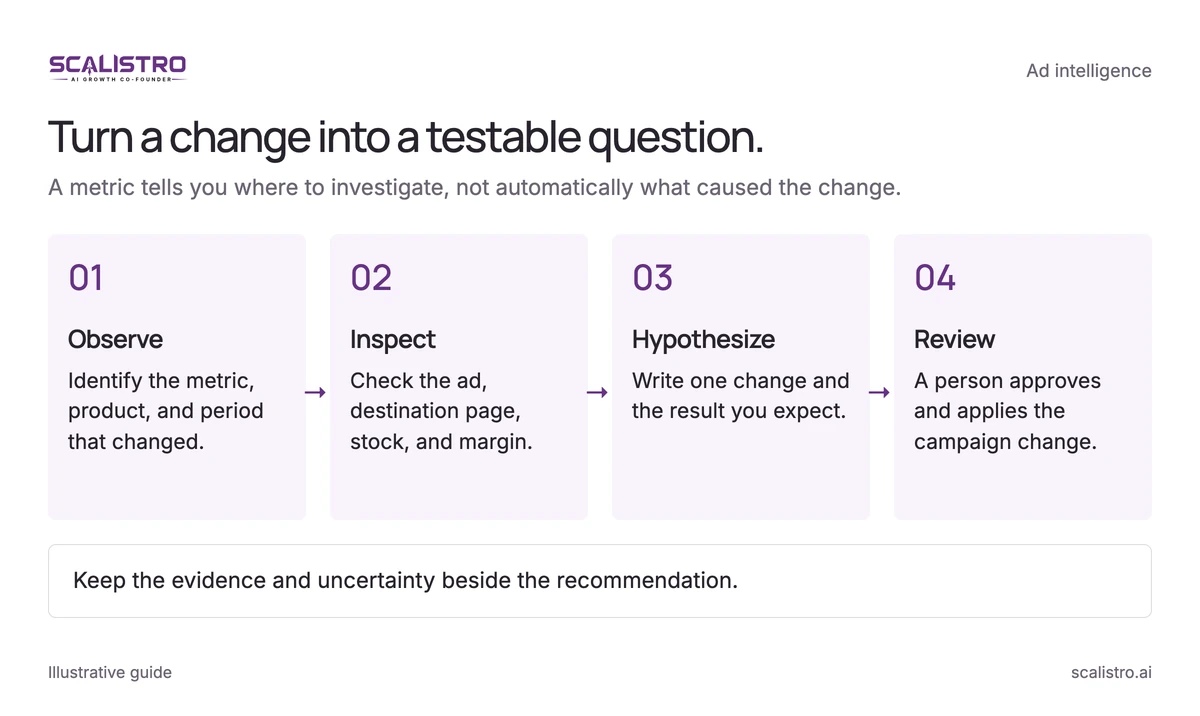
Swipe to explore. Tap to open full size.
Image details: Turn a change into a testable question.
Turn a change into a testable question. A metric tells you where to investigate, not automatically what caused the change. Observe - Identify the metric, product, and period that changed.; Inspect - Check the ad, destination page, stock, and margin.; Hypothesize - Write one change and the result you expect.; Review - A person approves and applies the campaign change. Keep the evidence and uncertainty beside the recommendation.
Find the Change
Start with one campaign and one decision. Which metric moved? Did the change affect the whole account, one product, or one creative? Listro can surface the pattern and show the evidence behind it, but the account owner should inspect the underlying ads and landing pages before assigning a cause.
Plan a Creative Test
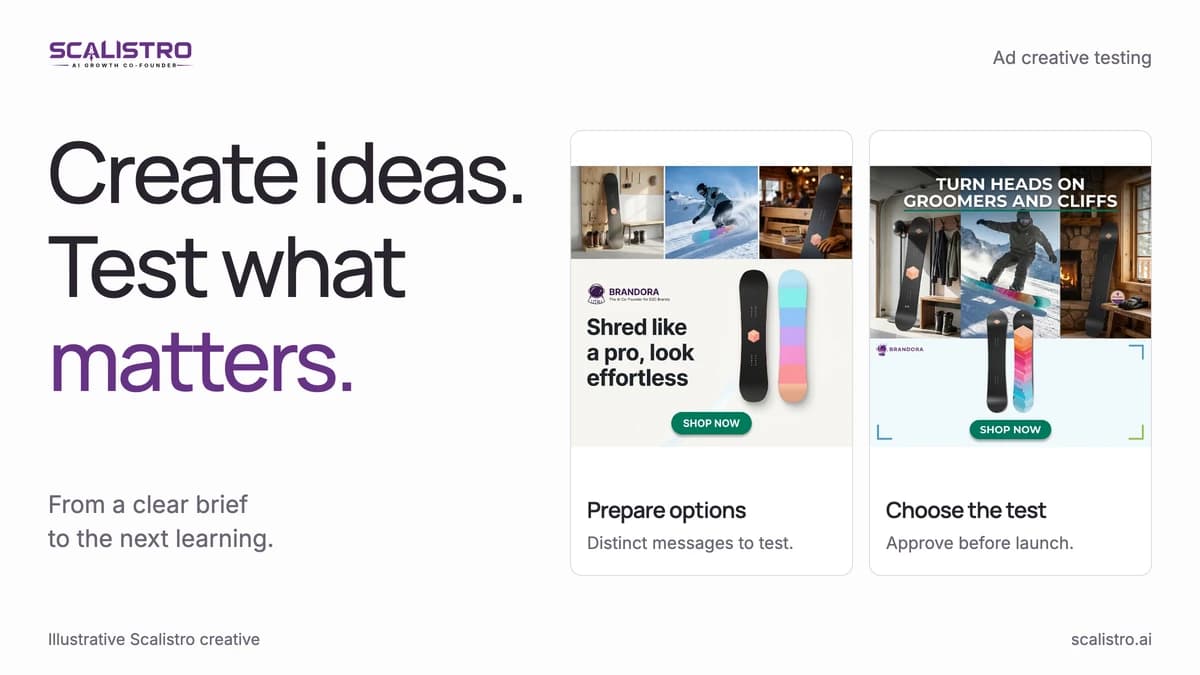
Translate the finding into a testable question. If a product demonstration appears to hold attention better than a lifestyle image, brief variations that change that one element. Keep the offer and measurement window consistent where possible, and check every asset for product accuracy, brand fit, and platform policy before launch.
The 30-day Meta creative testing calendar provides a practical rhythm for choosing angles, reviewing results, and carrying a finding into the next brief.
Choose the Next Action
A weak metric does not always call for an immediate pause. You might inspect the destination page, make new creative, check stock, or wait for a larger sample. Rank those options by their likely impact and the cost of being wrong. Then have the person responsible for the ad account make the change in Meta Ads or Google Ads.
Keep People Responsible for Spend and Claims
Listro supports analysis and recommendations. Scalistro does not change bids, enforce spend caps, pause ads, or launch campaigns. Those controls belong in the ad platform, and a person should review any recommendation that affects money or public product claims.
Use a simple review question: What evidence supports this recommendation, what evidence might contradict it, and what result would tell us the change worked? This keeps the workflow useful when data is sparse or the explanation is uncertain.
A First Workflow You Can Run This Week
- Connect Shopify and the relevant Meta Ads or Google Ads account.
- Choose a product or campaign with a clear business goal.
- Review one finding and inspect the evidence behind it.
- Prepare one creative or campaign test, then approve it and launch it with your team or our growth experts.
- Compare the result over a suitable window and record what to do next.
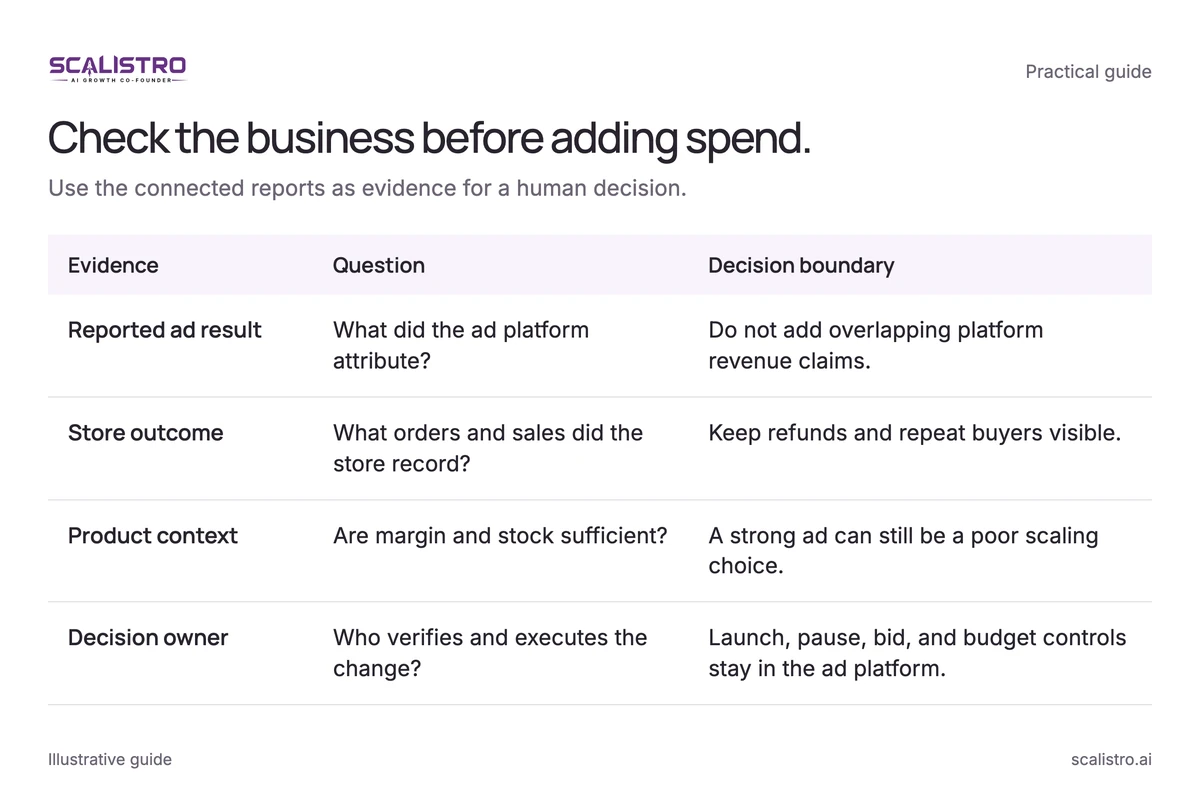
Swipe to explore. Tap to open full size.
Image details: Check the business before adding spend.
| Evidence | Question | Decision boundary |
|---|---|---|
| Reported ad result | What did the ad platform attribute? | Do not add overlapping platform revenue claims. |
| Store outcome | What orders and sales did the store record? | Keep refunds and repeat buyers visible. |
| Product context | Are margin and stock sufficient? | A strong ad can still be a poor scaling choice. |
| Decision owner | Who verifies and executes the change? | Launch, pause, bid, and budget controls stay in the ad platform. |
Listro helps a small team spend less time assembling reports and more time making the next decision. For campaign fundamentals, read the Meta ads guide for D2C brands.